WP-Germany1
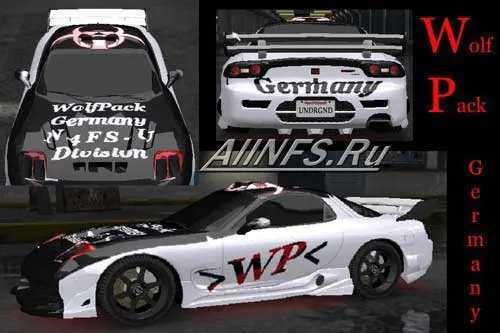
Vinyl for Mazda RX7.
How to install: Extract all files from the archive. To install
you will need the BinTex program, which can be downloaded from our
"programs" section in the NFS Underground category.
Open BinTex, then File -> Open, select the file from the game folder
in the CarsRX7Vinyls.bin directory.
Find line 693, click Texture -> Import and select the file
RX7FLAME1 (CC9B3F35).dds. Then find line 207, also Texture -> Import and
select RX7FLAME1_MASK (5CFE78E0).dds. After all this, click
File -> Save. Don't forget to make a backup copy of the Vinyls.bin file