NFS Marker
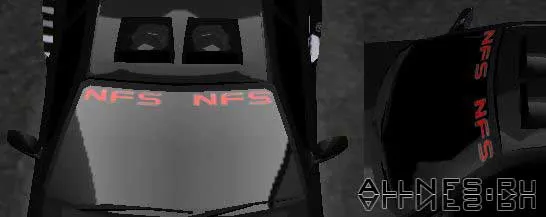
How to install: Unpack the archive. Open the TEXTURES.BIN file from the ../Cars/TEXTURES.BIN folder using MWTex. In the list, find the marker named ACTWHITEWIDE. Then select ACTWHITEWIDE, then Texture>Import, and specify the path to our ACTWHITEWIDE file. Then, as usual, save the changes with File>Save. Load the game and select any car. Then: marker>windshield or rear window>ACT. Instead of ACT, there will be a marker with the NFS text!