DroneCam 1.0.0
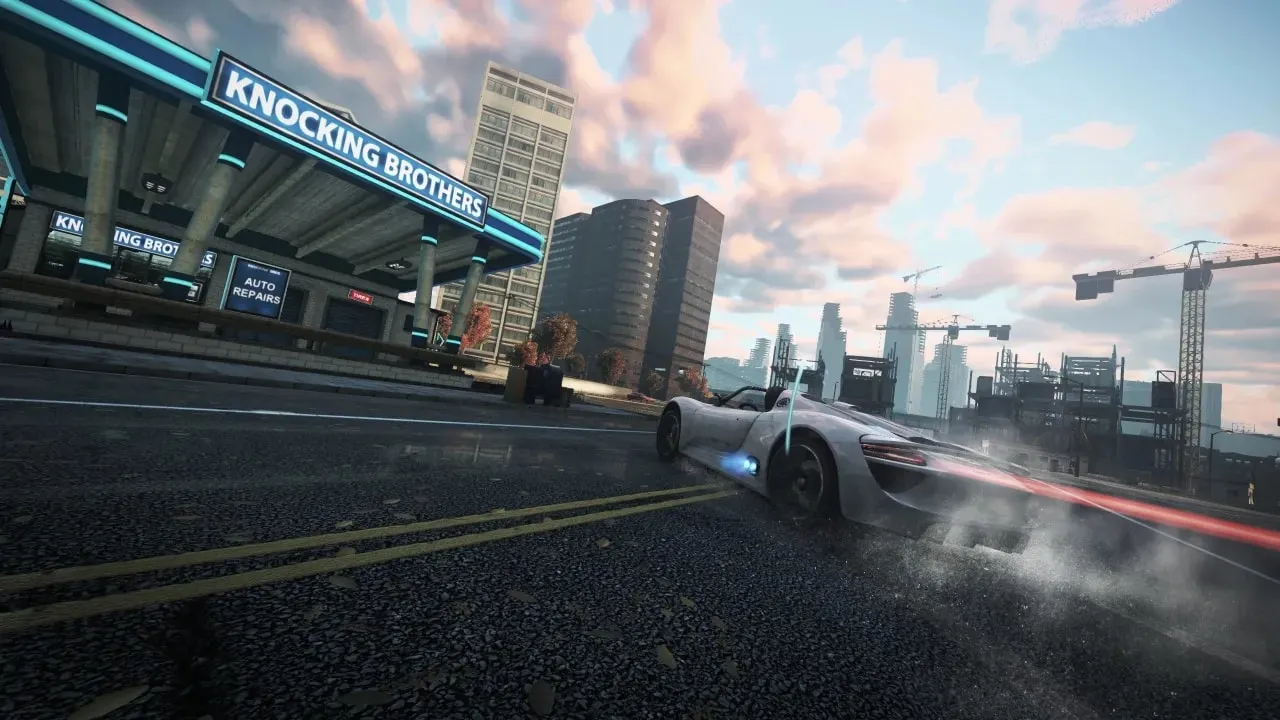
DroneCam — a camera mod by ZelefRU for the PC version of NFS: Most Wanted (2012). The standard chase camera turns into a drone that flies behind the car with inertia: it banks in turns, swings out in drifts, pulls back on acceleration and nitro, reacts to jumps and spins, and at the start of a chase turns toward the cop who spotted you.
Features
- Presets: Classic (calm), Dynamic (default) and RealDrone (free flight with lag).
- Drift: separate poses for left and right slides, smoothly blended by slip angle.
- Speed and nitro: the camera pulls back, the field of view widens, and nitro gives a dolly-zoom effect.
- Shake: wind at speed, vibration on nitro, a jolt on hard collisions.
- Scenes: jumps, burnouts, slowdown at the start of a chase and an idle camera.
- Free camera (the ' key), traffic disable (F3) and an experimental crash camera (off by default).
The mod works as a version.dll proxy and does not require an ASI loader. On its own, apart from NewLook, it is fully functional, but the settings menu and visual effects (nitro, headlight trails, smoke) only appear with NewLook 2.1.0 or newer.
Author: ZelefRU
Source: https://nfsmods.xyz/mod/8212
How to install
- Copy version.dll into the game folder, next to NFS13.exe.
- Launch the game — DroneCam will create DroneCam.ini and DroneCam.log.
- Switch the camera with the F7 key.
- Edit settings in DroneCam.ini; F8 reloads the file in-game.
- For the menu and effects, install NewLook 2.1.0+ — the P key opens the DRONE CAM group.
- Do not keep another version.dll mod in the game folder (for example, the old Realistic Plugin).
- To update — replace version.dll; to remove — delete version.dll and the DroneCam* files.