NFSBootSkin
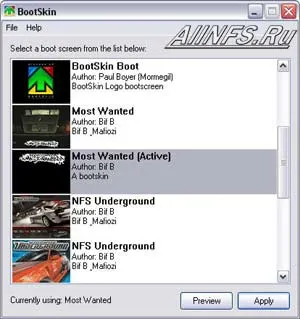
Sixteen new boot screens for Windows in
Need For Speed style (appear when Windows starts). Now also in ProStreet style!
How to install: Install the BootSkin program. Next, move all contents of the NFSBootSkin folder to the program directory (by default) C:/Program files/Stardock/WinCustomize/BootSkin/skins. Launch the BootSkins program; if it was already running, restart it, select the image you like and click APPLY. Reboot the computer and check out the new boot skin.