NFS Underground 2 Tuning Guide: Upgrades, Settings and Budget Allocation
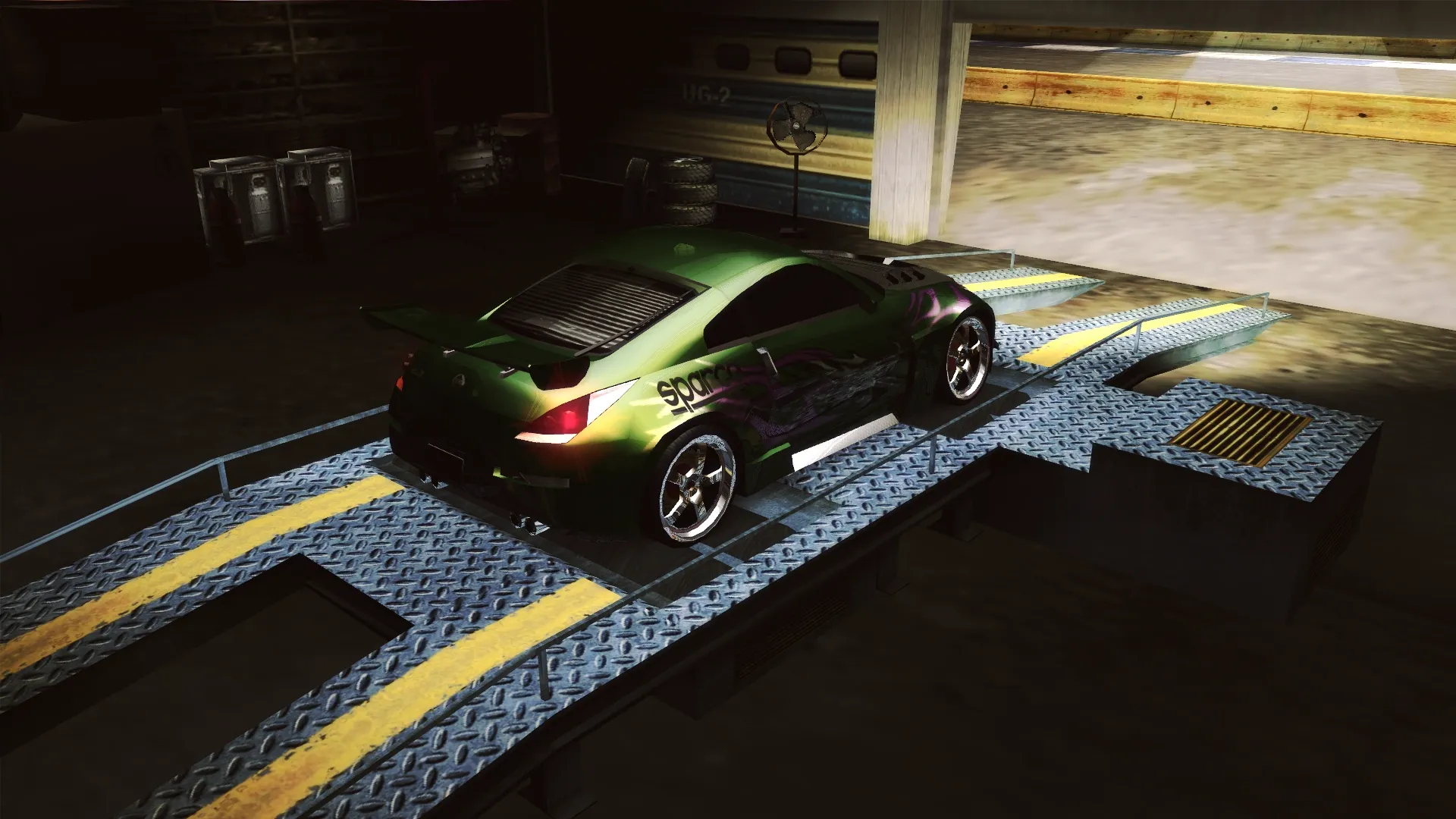
Need for Speed: Underground 2 is remembered not only for neon and vinyls: this is where the series first offered full-fledged garage tuning, where it's not enough to just buy up parts — you still have to set them up correctly for a specific race. Below we'll go over which upgrade categories exist in the Performance Shop, what each parameter is responsible for, and how to distribute money so the car actually performs.
Where parts are bought and the car is tuned
Performance Shop stores are scattered across Bayview City — you can spot them by their blue lights, and on the mini-map they're marked with blue dots. Besides buying parts, there's a Dyno mode (dynamometer) and a Performance Tuning section. The same dyno opens from the garage (Safehouse) and in Customize mode, so you don't have to run to the store to tune for a track.
Dyno: what the numbers show
The dyno gives objective measurements: 0-60 and 0-100 mph acceleration times, peak power and torque, as well as top speed. A convenient way to compare parts and settings before even hitting the asphalt.
Parts packages: Street, Pro and Extreme
All parts are divided into three levels:
- Street — inexpensive parts with a small gain, available almost from the very start;
- Pro — mid-level, unlocked as you progress through the career;
- Extreme — the most effective parts, but also the most expensive, and unlocked last of all.
Unique upgrades stand apart. They can't be bought: they're awarded for winning Outrun races and completing related challenges, they're tied to the car on which the condition was met, and they stack with regular upgrades. That is, it's a bonus "on top" of parts, not a replacement for them.
A separate Megalow Parts store in the Stadium area gives a 20% discount when buying a full set, but it doesn't have Extreme-level parts. That means it's worth buying basic packages there, while going to other locations for top-tier parts.
Upgrade categories
- Engine — increases acceleration: the higher the level, the bigger the acceleration gain.
- ECU — adds acceleration and top speed and raises the engine's rev limit. In tuning, the torque distribution in each rev range is set.
- Turbo — also acceleration and top speed, but the gain is more noticeable than other categories, and it costs more. Tuning — the same torque ranges.
- Nitrous Oxide — a temporary speed boost that upgrades enhance. Tuning offers a choice: either more power but shorter duration, or more modest power but longer.
- Transmission — acceleration and top speed, and most importantly — it unlocks tuning of the final drive and gear ratios.
- Suspension — handling. It's what unlocks fine-tuning: front and rear ride height, springs and dampers (stiffer or softer), anti-roll bars (cornering behavior) and steering ratio (sensitivity).
- Tyres — grip and handling. In tuning, front and rear wheel grip is set separately.
- Brakes — shorten braking distance and improve handling. In tuning, the brake bias between the front and rear axle is set.
- Weight Reduction — lightens the car, improving both acceleration and handling. The Unique version boosts all characteristics at once.
Aerodynamics stands apart: front and rear downforce can be tuned, but this requires the corresponding body kit parts from the Body Shop.
What exactly is adjusted in Performance Tuning
The settings are grouped by category, and each requires installed parts of the corresponding type:
- Suspension: front/rear ride height, front/rear springs, front/rear dampers, front/rear anti-roll bar, steering ratio;
- Transmission: gear ratios — acceleration versus top speed, taking the final drive into account;
- Aerodynamics: front/rear downforce;
- Tyres and brakes: front/rear grip and brake balance;
- ECU and turbo: minimum and maximum torque in each rev range;
- Nitrous: power versus duration.
Tuning for five event types
A ready-made setup can be saved separately for each race type: Circuit, Drag, Drift, Street X and URL Race. Then before a race it's enough to select the needed set instead of adjusting the sliders again.
Test Run mode helps check the result: the game expands the HUD with indicators important specifically for that event.
- Circuit, Street X and URL Race — best lap, current and maximum Gs;
- Drag — wheelspin distance, 0-60 mph time and quarter-mile time;
- Drift — best lap, best drift and longest drift in seconds.
Different Bayview Speedway track configurations, selected for the event type, are used for tests.
What experience shows: working conclusions
- Soft suspension makes the car slide more often; stiff suspension gives more grip but provokes understeer.
- Lowering the car as much as possible and maxing out front and rear downforce is the sure way to noticeably better cornering. But increased ride height comes in handy off-road: the car is more stable that way.
- The longer the race, the more useful a nitrous setting for long duration is.
- More grip on the front wheels — more oversteer; less — more understeer.
- A setup focused on acceleration is good on short tracks and in drifting, while one shifted toward top speed is for drag.
How to distribute the budget
There's no universal recipe, it all depends on the discipline. For circuit races and drifting, it makes more sense to invest money in suspension, tyres, brakes and weight reduction, while keeping the engine and transmission at a mid level. For drag it's the opposite: the priority is engine, ECU, turbo, gearbox and nitrous, while downforce is almost unnecessary.
A couple of practical rules will help you save:
- Get the basic Street and Pro packages at Megalow Parts with a 20% discount, and go to other shops for Extreme.
- Don't forget about Unique parts: they are free, stack with regular upgrades and are awarded for Outrun wins — this is the most profitable way to top up your stats.
- A tuned but poorly chosen set of parts loses to a properly tuned one. After every serious upgrade, visit the dyno and adjust the parameters to suit the track.
And which tuning scheme do you prefer — squeezing out top speed or setting up a balance for the corners? Share in the comments and follow the updates on nfs.place!
👉 Source: Need for Speed Wiki — Performance Tuning, Performance Shop