FSHTOOL
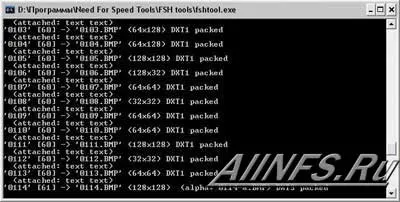
A program that imports and exports
textures from FSH files.
How to install: Click on the fsh file, "select a program from
the list manually", "browse", select FSHTool.exe and check
the box "use for all files of this type". And OK. Never
try to launch fshtool.exe itself and somehow try to open with it!
Modify the textures, then find the index.fsh file. Launch it,
and all files are packed back into the fsh that you unpacked.