EnGINSU Simulator
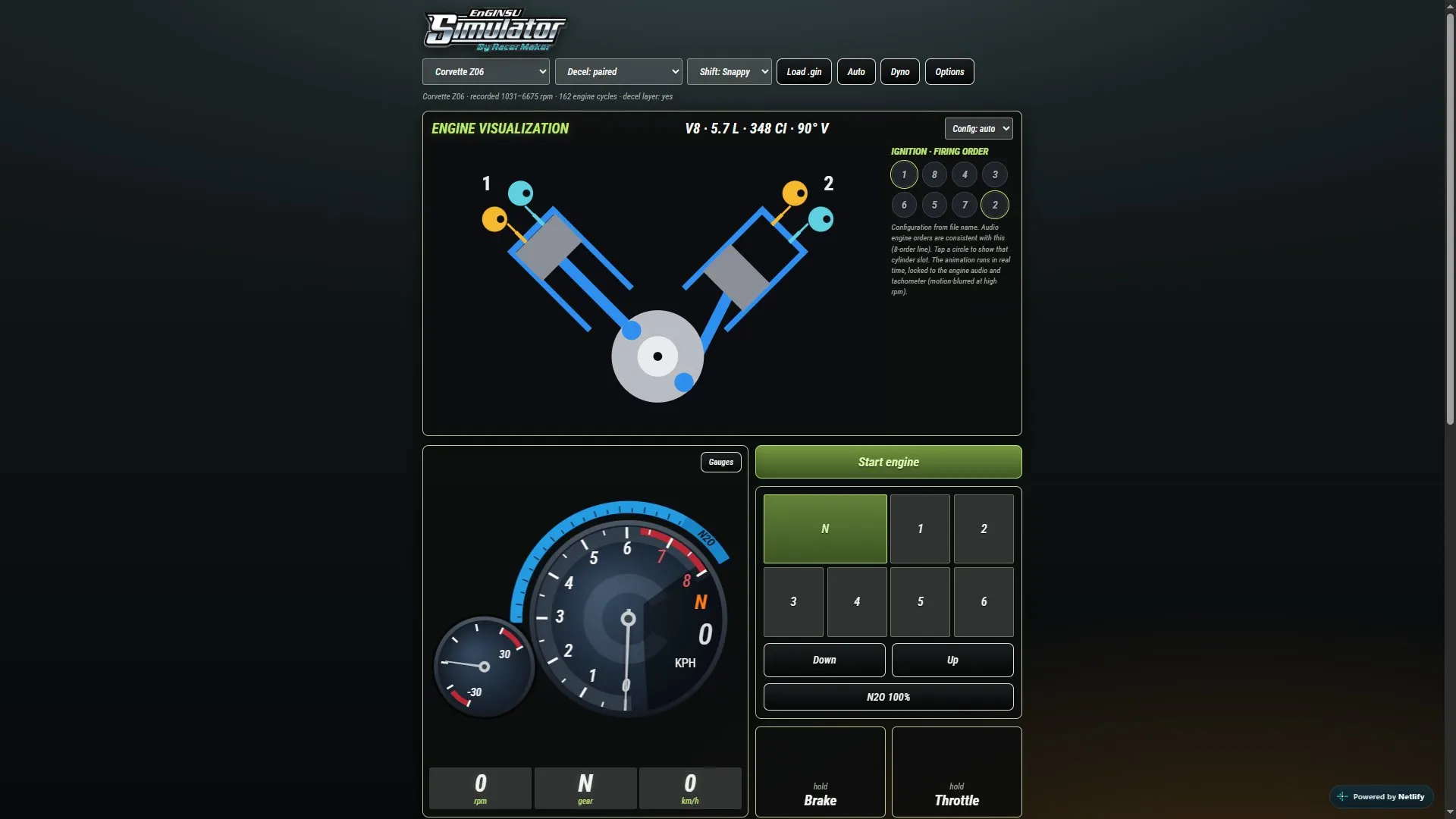
EnGINSU Simulator — a browser-based engine sound simulator from RacerMaker, built around the Ginsu (.gin) format from NFS: Underground 2 and Most Wanted (2005). Included are all GIN files from both games as presets, and you can also load your own.
What it can do:
* play a recorded engine loop according to the current RPM and smoothly switch between acceleration and deceleration recordings;
* change the sound with an equalizer, Engine Boost and an RPM-based pitch curve;
* mix up to three GIN files at once;
* export the result to a new .gin ready for the game;
* test the car on the built-in test bench and adjust performance;
* switch the interface design between Underground 2, Most Wanted and Carbon styles.
How to install
- Extract the archive to a separate folder, without copying files into the installed game.
- Find the HTML file (a file with the .html extension) in the folder and open it by double-clicking in a modern browser — Chrome, Edge or Firefox. If the browser blocks working with local files, run a local web server in this folder and open the address it provides.
- In the interface, select a ready-made GIN preset from Underground 2 or Most Wanted, or load your own .gin file.
- Adjust the sound with the equalizer, Engine Boost and RPM-based pitch curve; if necessary, mix up to three GIN files.
- To test, use the built-in test bench and performance parameters, then export the result to a new .gin file.
Author: RacerMaker
Source: https://nfsaddons.com/downloads/nfsmw/tools/11634/enginsu-simulator.html
Note: the author did not indicate a direct prohibition on distribution; the utility was created with AI assistance — the author himself reports this.