Zanoza Zmodeler 1.07b Wavefront OBJ Import/Export filter
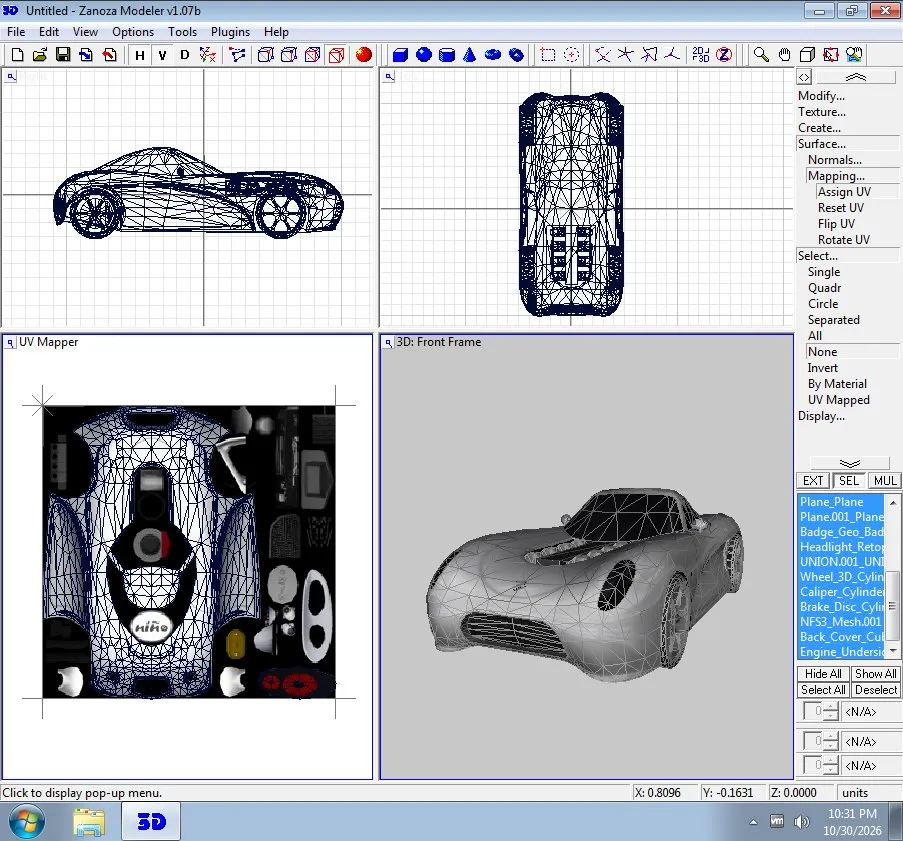
Zanoza Zmodeler 1.07b Wavefront OBJ Import/Export filter — a plugin for ZModeler 1.07b by ExoticLover that adds import and export of models in Wavefront OBJ format. It is useful when moving cars between editors: the filter works with objects and groups, UVs and normals, reads and writes .mtl materials, and on export creates a paired .mtl. The package includes a C++ source — you can modify it for your own needs.
What's inside:
* WavefrontOBJ.zmf — the filter itself;
* WavefrontOBJ_ZMF.cpp — source code;
* the original readme.
How to install
1) Unpack the archive into a separate folder.
2) Close ZModeler 1.07b if it is running.
3) Copy the WavefrontOBJ.zmf file into the Filters folder inside the ZModeler 1.07b directory.
4) Launch ZModeler 1.07b — the filter will appear in the import and export list.
5) To import, select File → Import → Wavefront OBJ and specify the OBJ file.
6) To export, select File → Export → Wavefront OBJ.
7) The WavefrontOBJ_ZMF.cpp file is only needed for modifying the source.
Author: ExoticLover
Source: https://nfsaddons.com/downloads/nfshs/tools/11609/zanoza-zmodeler-107b-wavefront-obj-importexport-filter.html