NFS CollisionTool 1.5.9
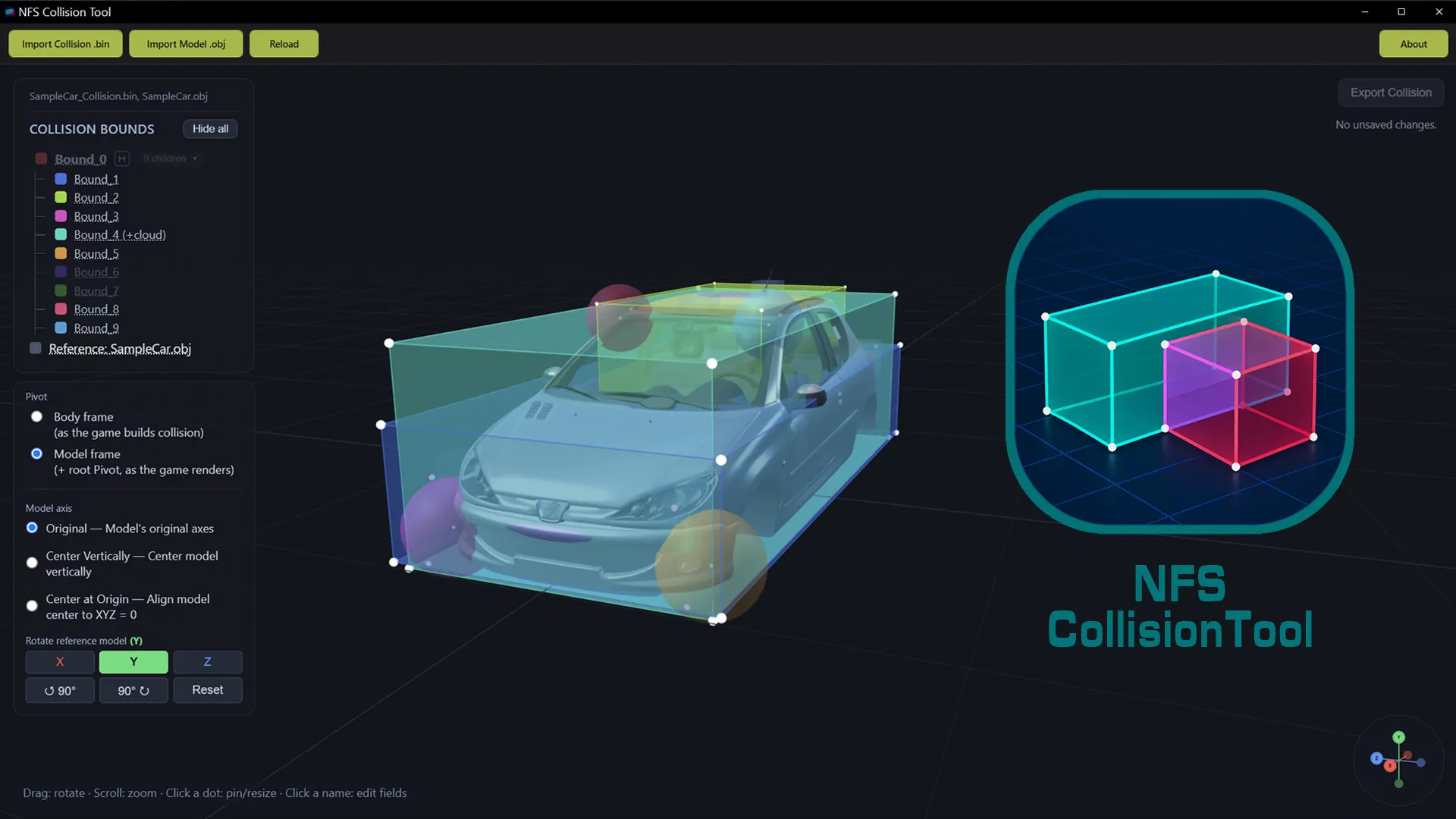
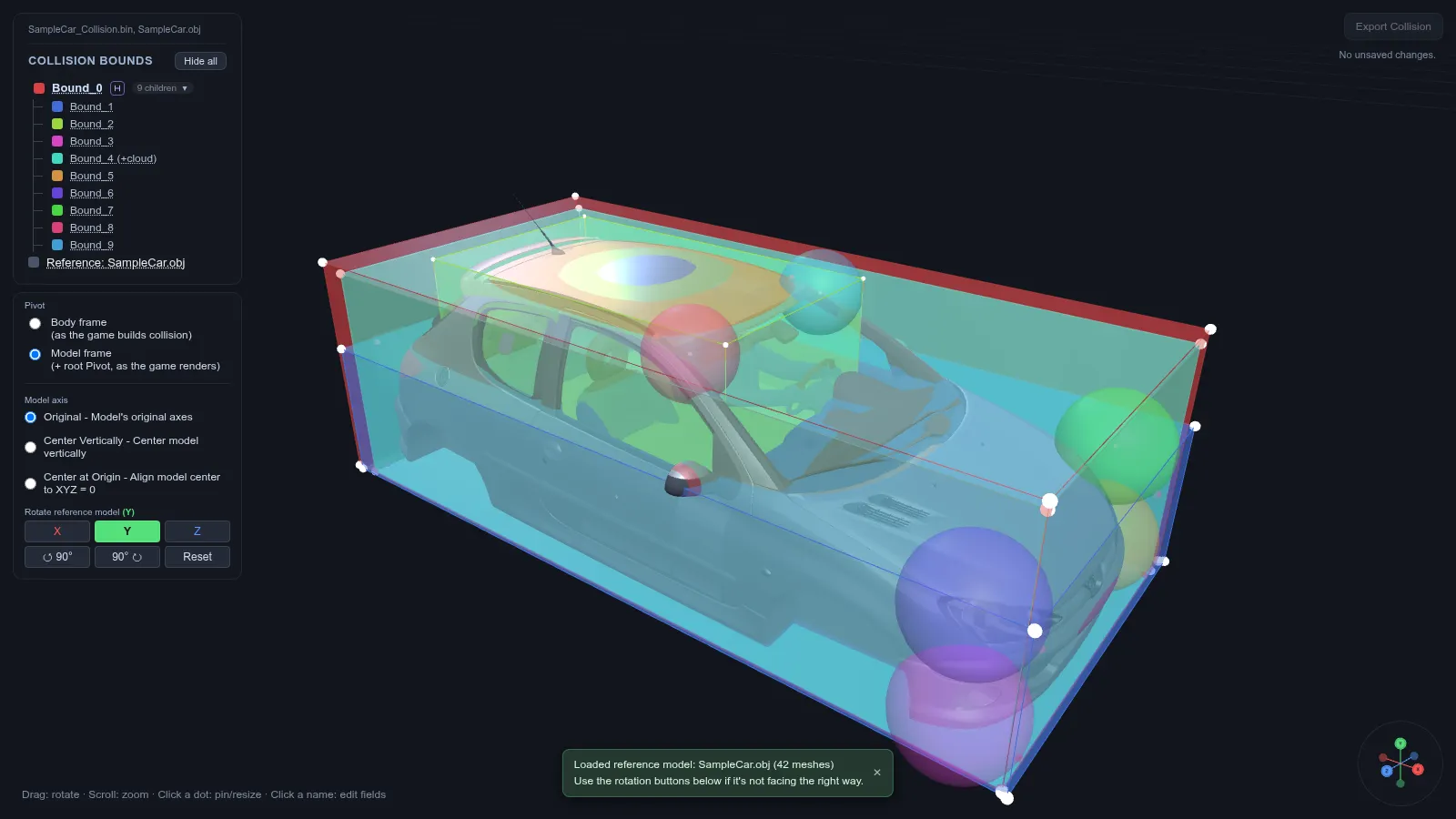
NFS CollisionTool — a utility by GHOST-si for viewing and editing a car's collision bounds in NFS: Most Wanted (2005); the NFS: Carbon format is supported experimentally.
The program reads a collision .bin file (the one extracted via Binarius or Binary), shows all boxes and spheres in an interactive 3D window and lets you change them right there, then write the edits back to the same binary.
What's inside
- Interactive 3D view: rotate with the mouse, zoom with the wheel.
- Parent/child hierarchy tree with color labels, group collapsing and a child element counter.
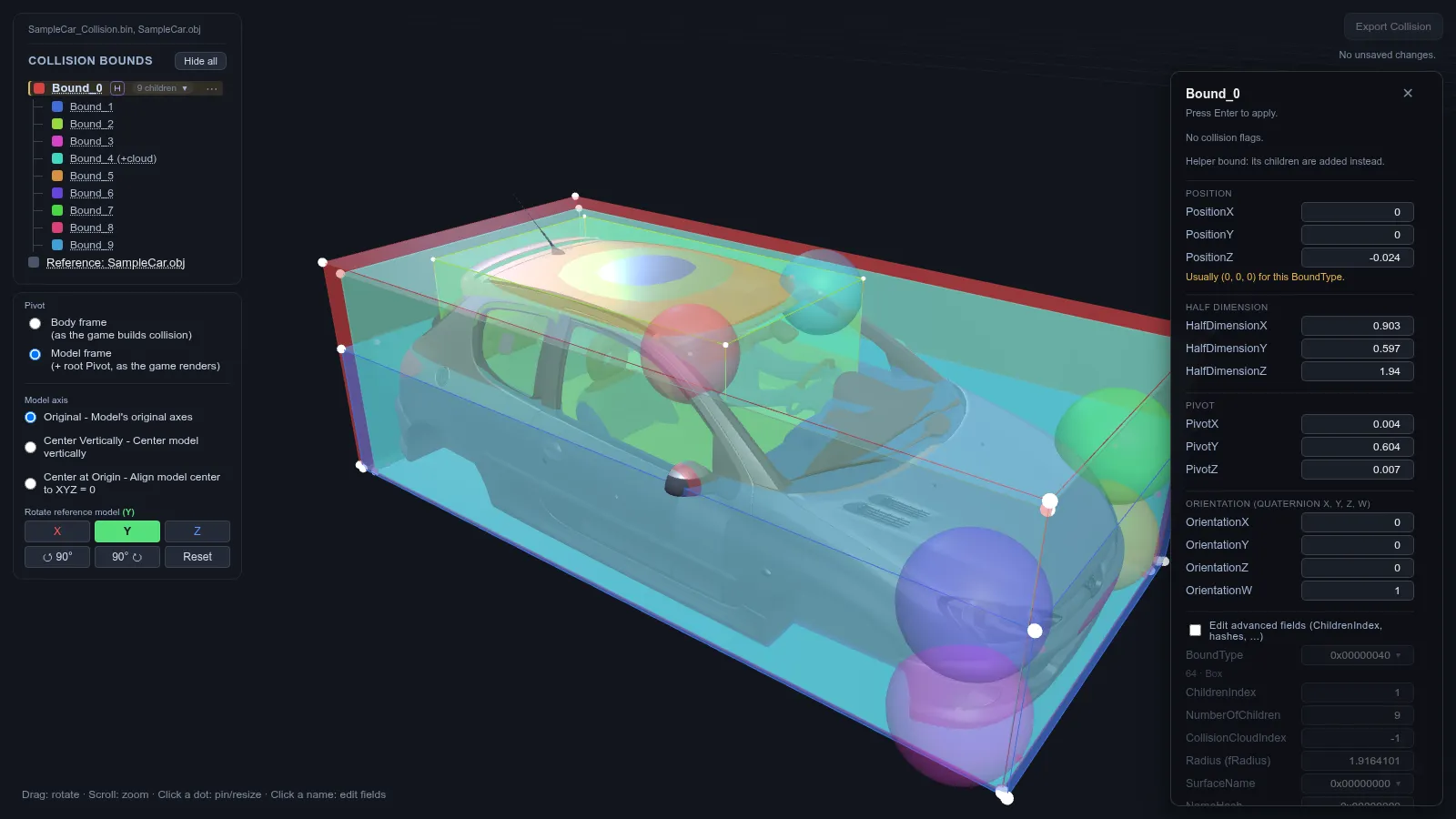
- Clicking a point pins the bound and changes its size, clicking a name opens field editing (Position, HalfDimension, Pivot, Orientation, etc.).
- Import an .obj body model as a visual reference, with individual meshes shown and hidden.
- Add and delete bounds (right-click in the tree), edit collision clouds and their vertices; deleting a bound also deletes its children.
- Edit BoundType flags; the Resolve panel finds and fixes broken child ranges and cloud references.
- SurfaceName dropdown: known hashes are extended in Engine\SurfaceNames.txt, arbitrary ones are also accepted.
- Undo/Redo (Ctrl+Z / Ctrl+Y), save with Ctrl+S, reload the file, axis gizmo for quick view snapping.
- Support for files from both Binarius and Binary.
Requirements
- Windows 10 or 11 (64-bit).
- .NET 8 Desktop Runtime (x64) — https://dotnet.microsoft.com/download/dotnet/8.0
- WebView2 Runtime — https://developer.microsoft.com/microsoft-edge/webview2/ (already present on recent Windows 10/11).
How to install
- Unpack the archive into a separate folder with write permissions, for example D:\Tools\NFS CollisionTool. NFS CollisionTool.exe and the Engine, Python, Docs, Samples folders should appear inside; the program won't run from the zip.
- Install the .NET 8 Desktop Runtime (x64) and, if it's not already on the system, the WebView2 Runtime from the links above.
- Run NFS CollisionTool.exe. If SmartScreen warns about an unknown publisher, click "More info", then "Run anyway" — the file is not digitally signed.
- Click "Import Collision" and select the collision .bin file of the car you need. Files from the Samples folder will do for a test.
- Inspect the bounds in the 3D window: clicking a point pins the bound and changes its size, clicking a name in the tree opens field editing.
- Optionally click "Import Model" and load an .obj body model as a reference (models in .obj are extracted, for example, by NFS CarToolkit from nfsu360).
- If the file was edited in another program, click "Reload".
- Saving overwrites the original .bin, so make a backup first. To write the edits — "Export Collision" or Ctrl+S.
About field values
Position, HalfDimension and Pivot are shown in the game's own scale (for Most Wanted — raw/1000), while Orientation is read as a real compressed quaternion (int16/32767). Utilities with a different scale (1024, "axis plus angle in degrees") will give different numbers and orientation — these are different conventions, not an error. Values outside ±32,767 (±1 for orientation) cannot be saved: they are clipped. The sphere radius in Most Wanted is a float, in Carbon it's a hash, and the program distinguishes this itself. The tool works only with a car's collision chunk, not with world or track collision.
License
MIT with Commons Clause: the code may be used, modified and distributed, but not sold, and the license text and copyright notice must remain in every copy. The license text is in the archive in the LICENSE file, third-party components are listed in THIRD-PARTY-NOTICES.md.
Author: GHOST-si
Source: https://github.com/GHOST-si/NFS-CollisionTool
Version: 1.5.9 (first public release, November 6, 2026)