Nissan Skyline GT-R (R34) (Addon)
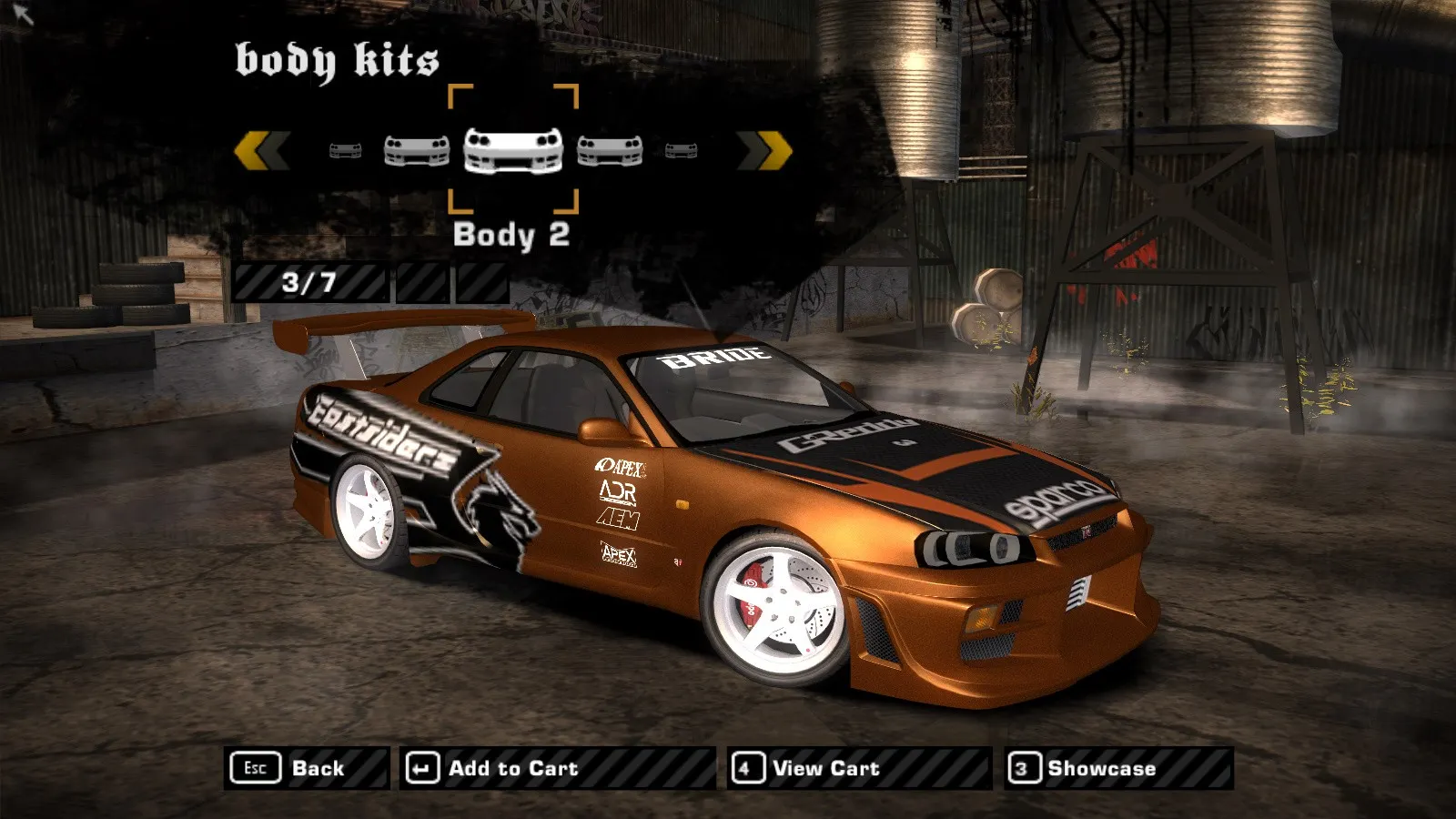
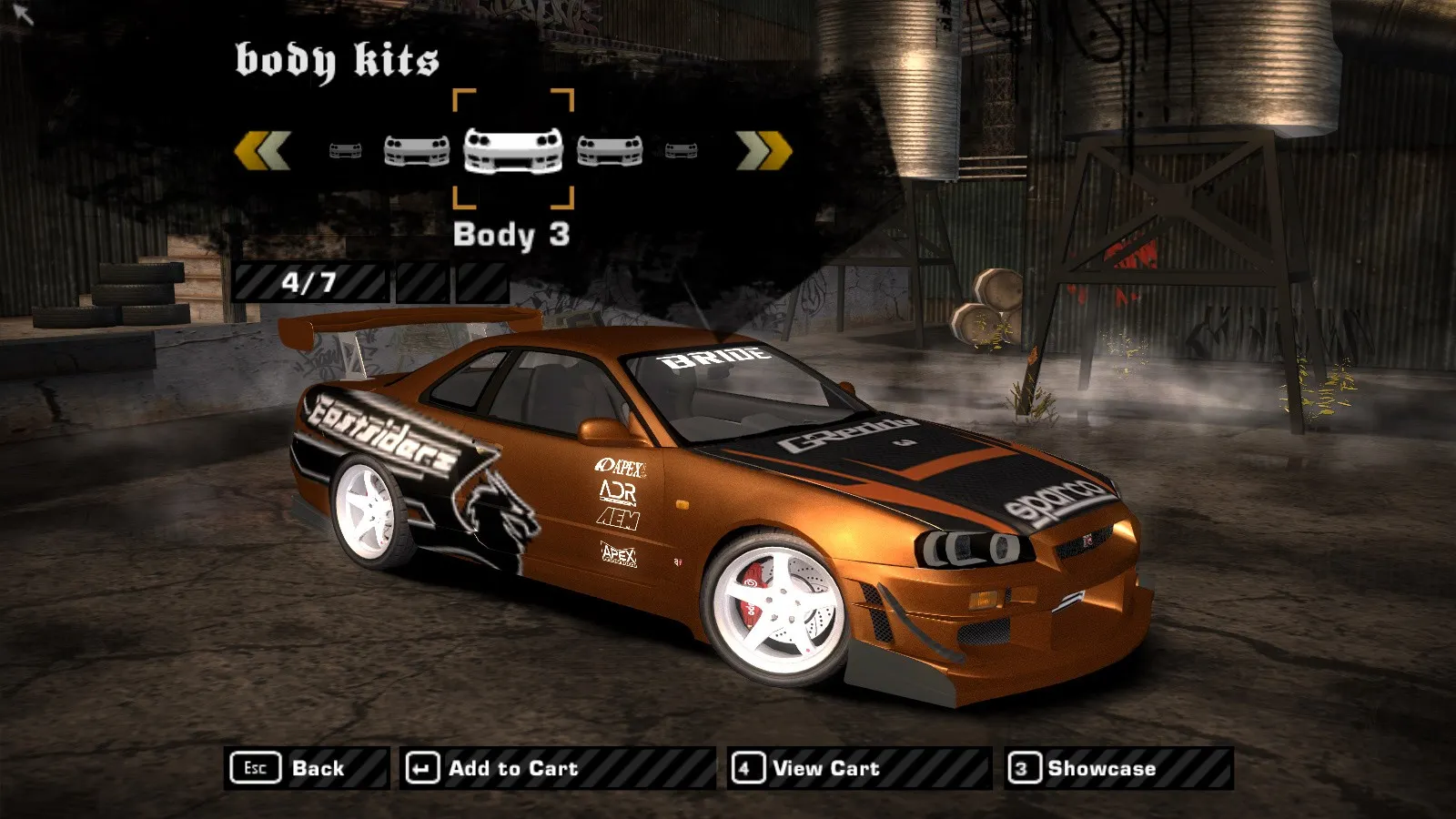
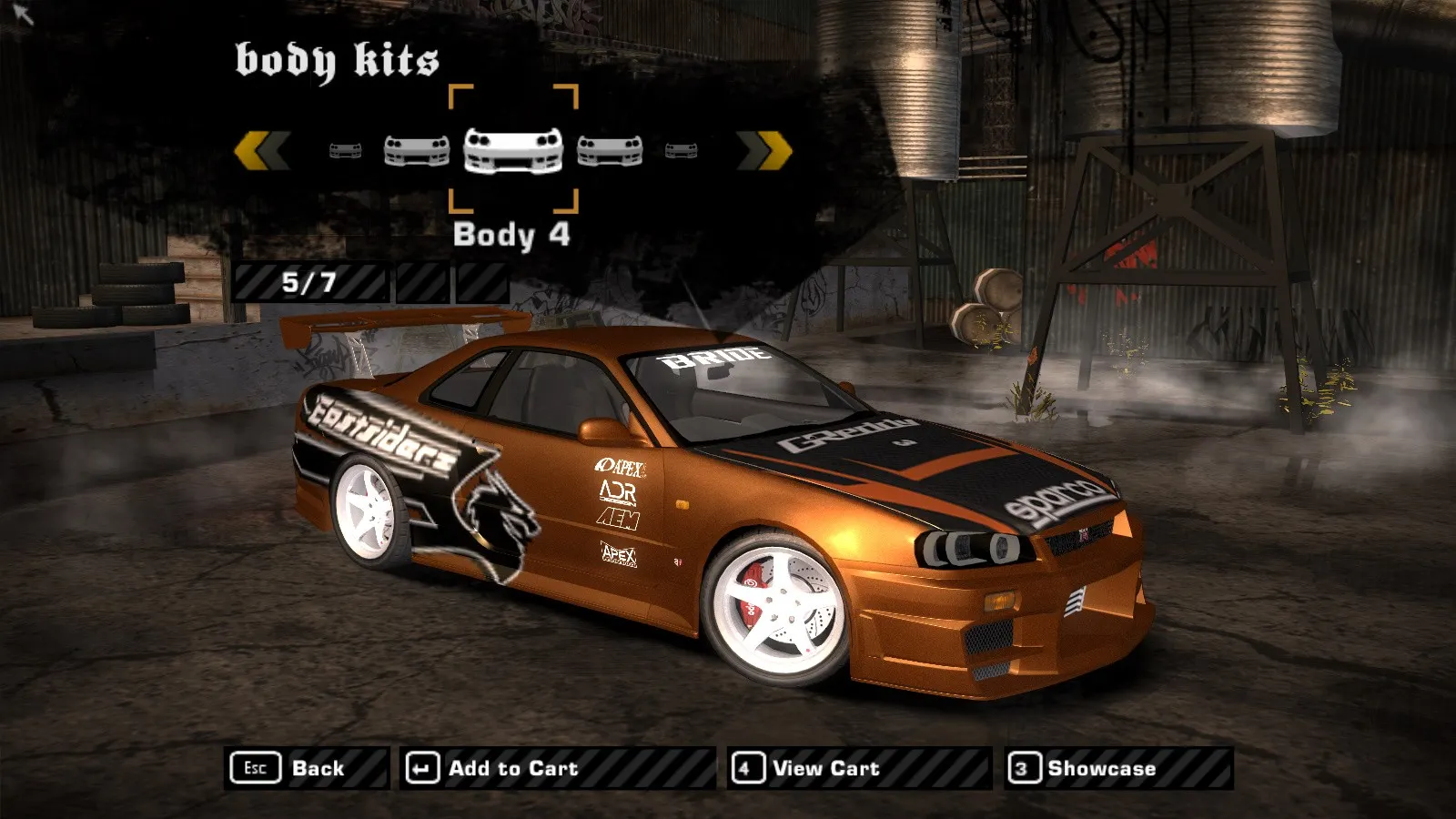
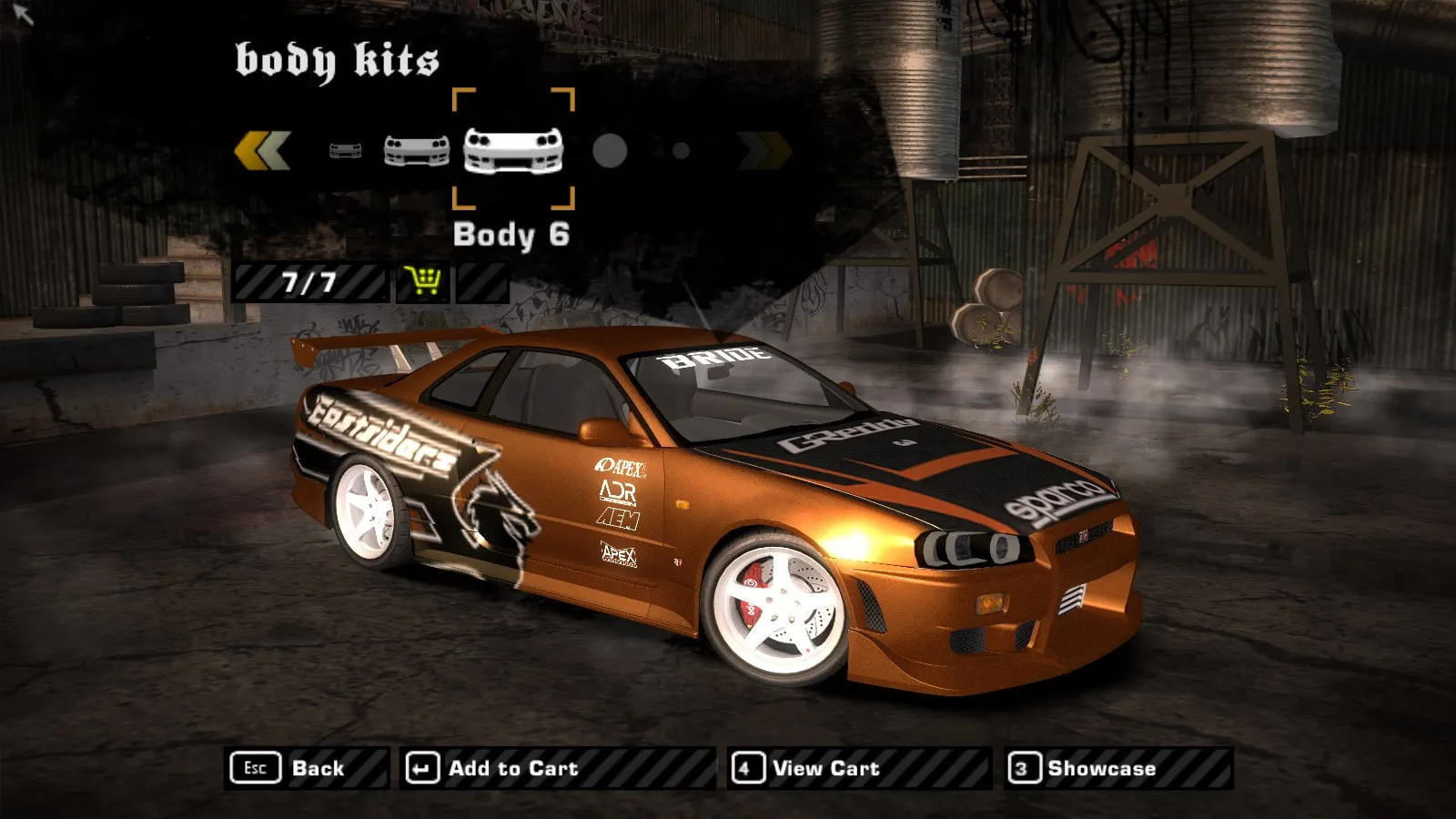
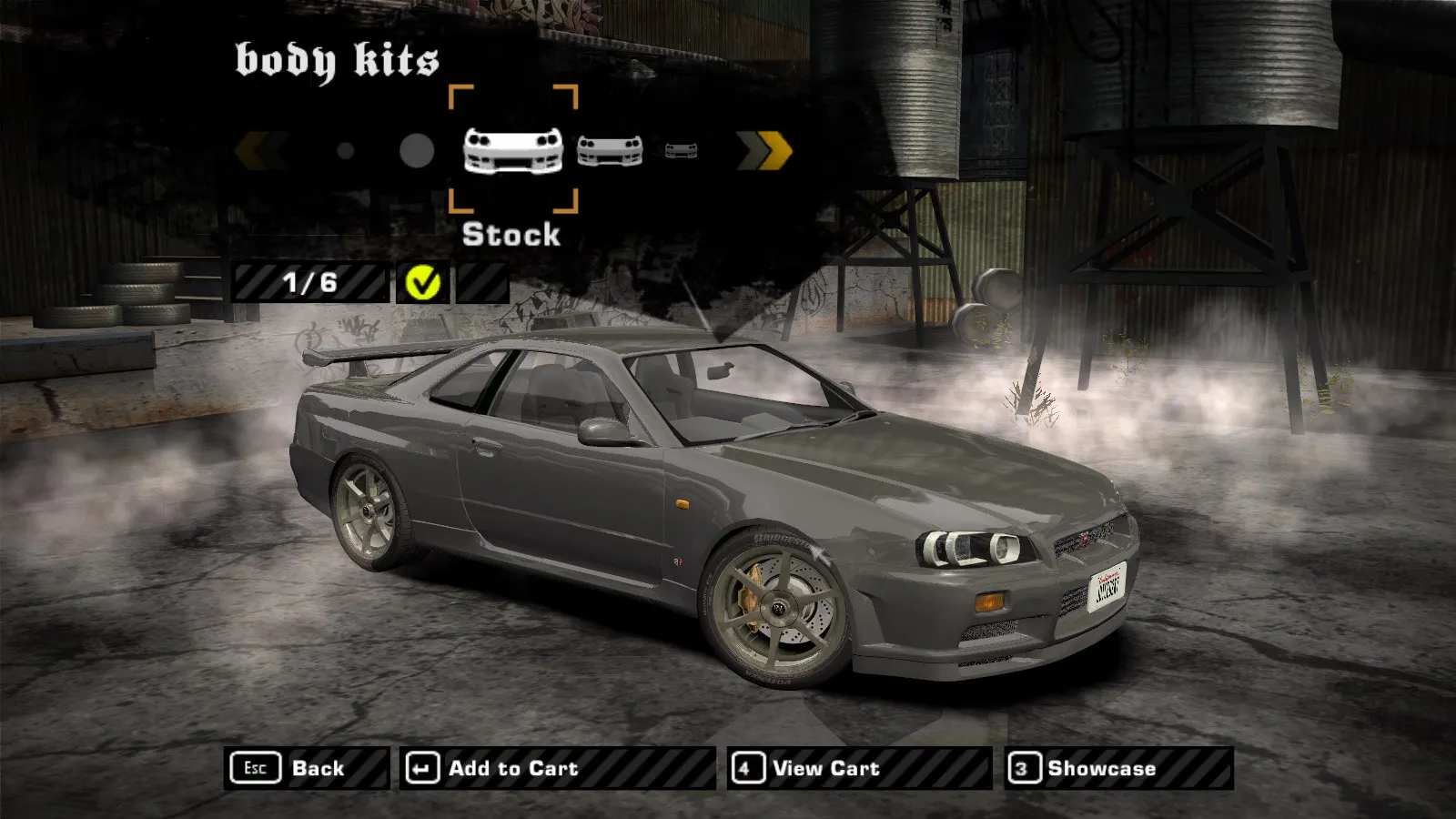
A standalone (addon) Nissan Skyline GT-R (R34) car for NFS: Most Wanted. The model was ported from Juiced 2: the original port was made by Filipino Racer, and Brayan Medina converted the car to the addon format for Most Wanted.
What's inside:
- bodies: stock and 6 body kits, including C-West;
- 18 hood variants, some ported from NFS Carbon, plus roof scoops;
- 5 custom spoilers and all standard ones;
- all the game's rims and full visual tuning;
- custom textures, geometry and vinyls at 1024×1024 resolution;
- custom Vault data installed via the NFS-VltEd script;
- fixed exhaust flame.
Requirements: NFSMW Unlimiter, Binary (v2.1.0 or newer) for the .end script and NFS-VltEd (4.5 or newer) for the .nfsms script.
Author: Brayan Medina (F.R), original port — Filipino Racer. The author permits use of the mod in modpacks with mandatory attribution.
Source: https://www.nfsaddons.com/downloads/nfsmw/cars/nissan/10393/nissan-skyline-gt-r-r34-addon.html
How to install
- Install NFSMW Unlimiter — without it, standalone (addon) cars won't work in the game.
- Install Binary (v2.1.0 or newer) and NFS-VltEd (4.5 or newer) if you don't have them yet.
- Unpack the archive. Inside there will be a Skyline-GT-R34 folder — you don't need to copy its files into the game manually, the Binary scripts make the changes at the required paths themselves.
- Run Binary as administrator and click "User Mode".
- In the script selection dialog, select the file Skyline-GT-R34\R34 Installer.end.
- Specify the folder with the installed NFS: Most Wanted game.
- In the installation window, check "Install Skyline-GT-R34 by F.R/Brayan Medina" and click Install.
- When prompted to save changes, answer Yes; when prompted to launch the game, answer No.
- Launch NFS-VltEd and via File → Open select the game folder.
- Via File → Import → ModScript select the file Skyline-GT-R34\R34_vlt.nfsms.
- In the script window, check "Install VLT Data" and click Install. The warning that the nissan node already exists (if there are other Nissan cars in the game) can be ignored.
- Save the database: File → Save (Ctrl+S).
- If you use OGVI instead of NFS-VltEd: Game → Most Wanted, then File → Open (game folder), then File → Import ModScript → Skyline-GT-R34\OGVI_install.nfsms, check "Install Mod (OGVI)", click Install and save. You don't need to install both the VltEd and OGVI scripts at the same time.
- Launch the game and create a new save (new career) — the car may not show up in old saves.
Uninstall: 1) Binary → User Mode → Skyline-GT-R34\R34 Installer.end, check "Uninstall Skyline-GT-R34 by F.R/Brayan Medina", apply and save; 2) NFS-VltEd → File → Import → ModScript → Skyline-GT-R34\R34_vlt.nfsms, check "Uninstall VLT Data", click Install and save the database.