Palmont PD: Lockdown
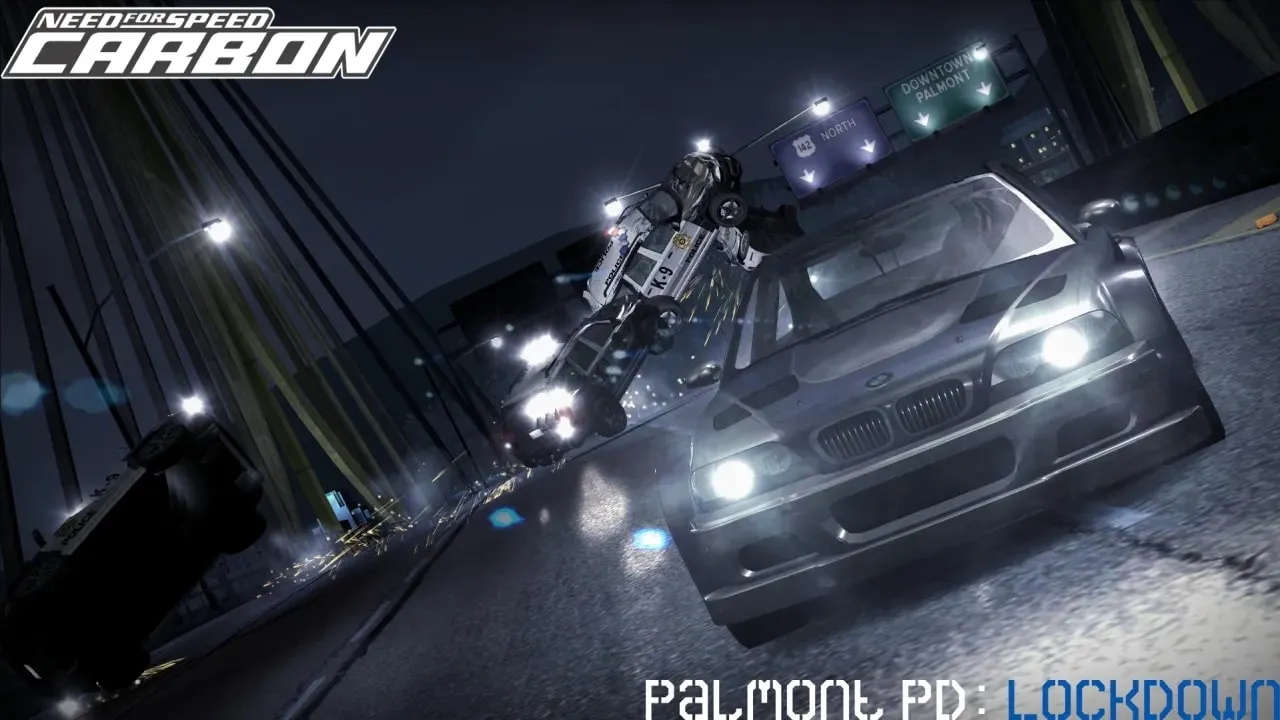
Palmont PD: Lockdown — a large-scale overhaul of police pursuits in NFS: Carbon by Eatincrispies. If in the original it's easy to escape the cops, this mod sharply raises the pressure: the entire Heat system (levels 1 through 10) and every pursuit race are rebuilt from scratch. Choose from five difficulty tiers, from calm Easy to hardcore Extreme.
What changes
- Patrols and backup: different squad composition, more cars, faster arrival of reserves and sharper cop behavior when closing in.
- Pressure tactics: they block harder and box you in, search for the player longer after a pursuit breaks off, and have a wider detection radius.
- Heavy forces: ramming SUVs, heavy blocks and Cross appear earlier and more often on higher tiers.
- Roadblocks and spikes: the probability grows with the Heat level.
- Arrest scenes: the cutscenes show exactly the units that arrived for the selected tier.
- Cop cars and radio: different stats, rebalanced collisions, continuous police radio chatter.
- Options: white-and-blue lightbars and sirens from NFS: Undercover.
Before installing
Make a backup of the GLOBAL folder in the game directory — the difficulty level is also changed through it and the mod is rolled back. Install on a clean copy, not on top of other pursuit mods. Choose one editor (NFS-VltEd 4.6 or OGVI) and work only with it.
How to install
- Back up the GLOBAL folder in the game directory.
- Installation via NFS-VltEd 4.6: open the NFS: Carbon folder; File → Import → ModScript → Palmont PD Lockdown (VltEd).nfsms; select the difficulty level, lightbars and sirens, click Install and save (Ctrl+S). Keep the Vlted folder next to the .nfsms — the sirens are located there.
- Installation via OGVI: Game menu → Carbon; File → Open → NFSC.exe; File → Import ModScript → Palmont PD Lockdown (OGVI).nfsms; select the level and lightbars, click Import, then File → Save. Undercover sirens are copied manually: Vlted\Sounds\Sirens\IGGLOBAL\sirenmb.abk → SOUND\IG_GLOBAL.
- Launch the game.
Uninstall: restore the backup of the GLOBAL folder; if you installed the Undercover sirens, copy the siren file back from the Vanilla folder to SOUND\IG_GLOBAL. The detailed rollback procedure is described in the readme included with the archive.
Author: Eatincrispies. Source: https://nfsmods.xyz/mod/8223