NFS: ProStreet freezes after a race: fixing the "Continue" button on PC
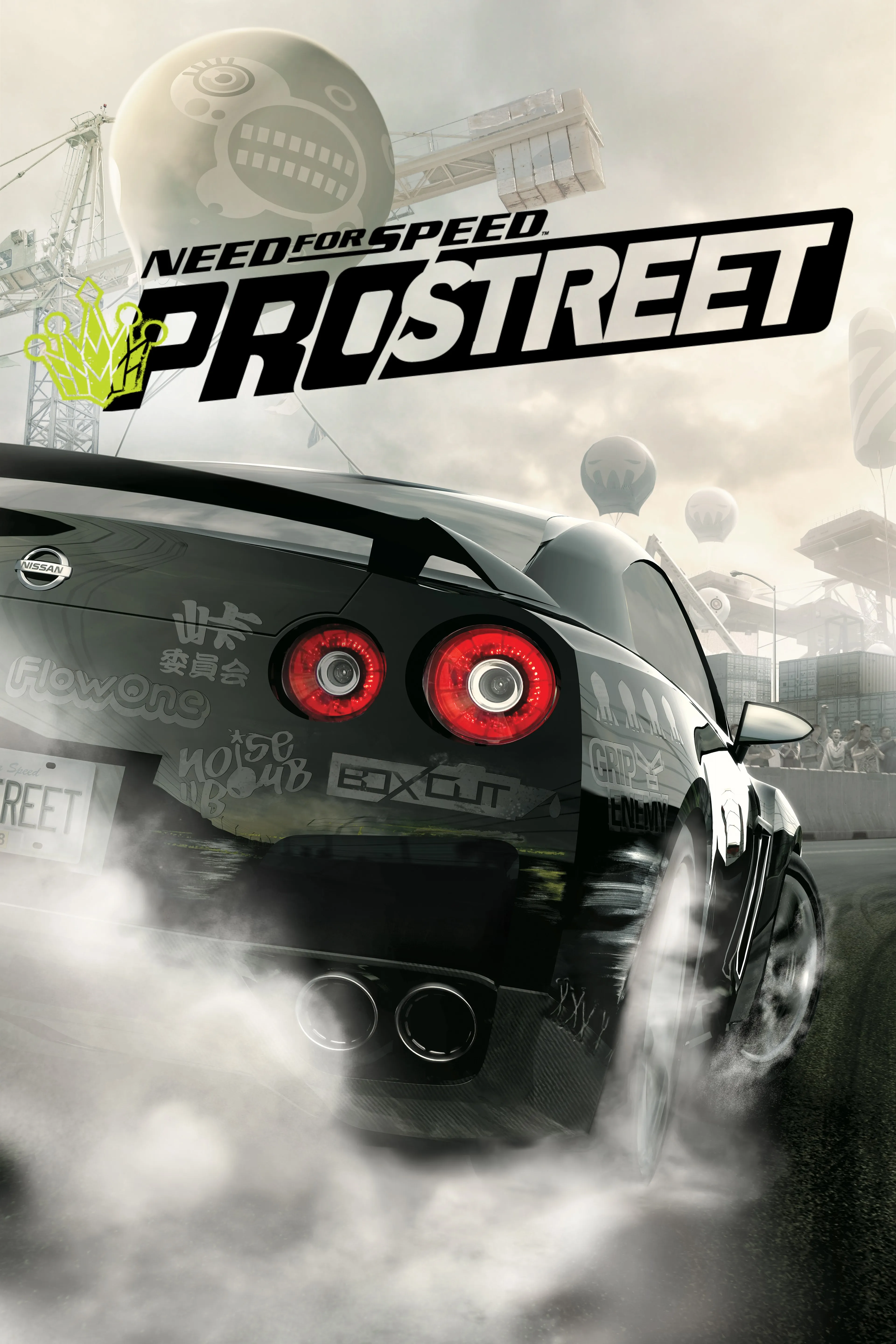
The PC version of Need for Speed: ProStreet has an unpleasant quirk: after finishing a race, the game can get stuck on the results screen. Controls stop responding, pressing "Continue" does nothing — and progression hits a wall. There is no official patch that fixes this, but the community found a solution long ago. Let's go through it step by step.
What exactly breaks
The issue is known as the "game breaking bug after completing a race" — a critical failure right after a race ends: the results screen freezes, input "hangs", and the "Continue" button doesn't work. In this state, the career and story can't move forward. The last official PC patch — 1.1 — did not fix this bug, so without third-party fixes the game can't be completed.
Patch 1.1 — the required base
Both fixes below are designed for game version 1.1. This is the last official PC update: it added LAN multiplayer for up to 8 players and at the same time capped the frame rate at 30 FPS. Install patch 1.1 if it isn't installed yet — it installs over version 1.0.
Method 1 (recommended): ProStreet Fusion Fix
ProStreet Fusion Fix is the newest and most complete option, already available on our site: download /downloads/3159. It's a comprehensive patch by ThirteenAG (with contributions from AeroWidescreen and xan1242) from the WidescreenFixesPack collection. It not only fixes the post-race crash but also tidies up the entire PC version:
- correct aspect ratios for the image, HUD and FOV, including ultrawide;
- correct playback of cutscenes;
- stability fixes (TrackStreamer, FE Script, damage memory leak), disabling achievements and PunkBuster, LAN mode working on Windows 11;
- useful options: skip intro, windowed mode, removing the FPS cap and Sim Rate adjustment, automatic resolution detection, stick dead zones, custom save folder, settings without the registry, shadow resolution, disabling Motion Blur and more;
- free camera with mouse or stick.
How to install:
- Make sure patch 1.1 is installed.
- Extract the archive.
- Copy the
dinput8.dllfile to the game's root folder — where the game's executable is located (this is the ASI plugin loader). - Copy the
scriptsfolder (containingNFSProStreet.FusionFix.asiandNFSProStreet.FusionFix.ini) to the game's root folder, keeping the structure.../game_folder/scripts/. - Optionally, open
.../scripts/NFSProStreet.FusionFix.iniand configure the parameters (HUD/FOV, windowed mode, FPS, skip intro and more). - Launch the game.
You can download it and view the source code on the release page and project website.
Method 2 (minimal): Xanvier's NFS ProStreet MultiFix
If you don't need the whole set of improvements and only want to fix the button and crashes, there's Xanvier's NFS ProStreet v1.1 MultiFix. It specifically fixes the bug with the "Continue" button after a race, removes the frame rate cap, picks the resolution automatically, adds windowed mode and fixes the memory allocation error that caused crashes. Essentially, its work was incorporated into Fusion Fix.
How to install:
- Install patch 1.1.
- Install Visual Studio 2015 x86 Redistributable if it isn't installed yet.
- Extract the archive and copy its contents to the game folder.
- If a fix for version 1.0 was installed previously, disable the
XNFSPS-MultiFix-1,0.asifile in the Scripts folder — the easiest way is to rename it.
If it didn't help
Sometimes the game behaves strangely for other reasons too. What else is worth checking:
- The game starts minimized and won't restore. Restart the video driver with Win + Ctrl + Shift + B, then click the game icon in the taskbar.
- Graphics settings aren't saved. Run the game as administrator.
- Random crashes on Nvidia graphics cards. Rename the game's executable to any other name and launch it through that.
Sources: PCGamingWiki — Need for Speed: ProStreet, NFS ProStreet Generic/Fusion Fix (WidescreenFixesPack), as well as the ProStreet Fusion Fix and Xanvier's NFS ProStreet v1.1 MultiFix downloads on nfs.place.
Encountered the same freeze or know your own way to fix it? Share in the comments.