ProStreet Fusion Fix
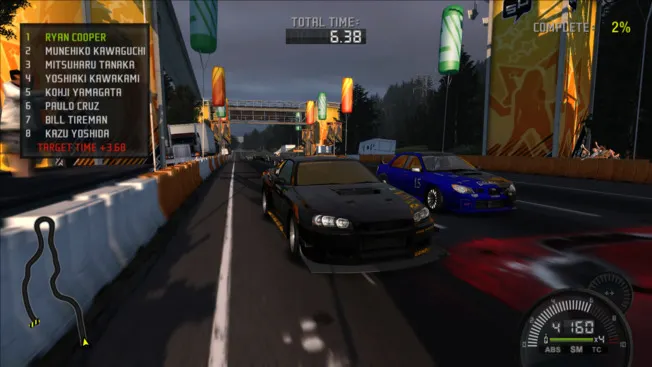
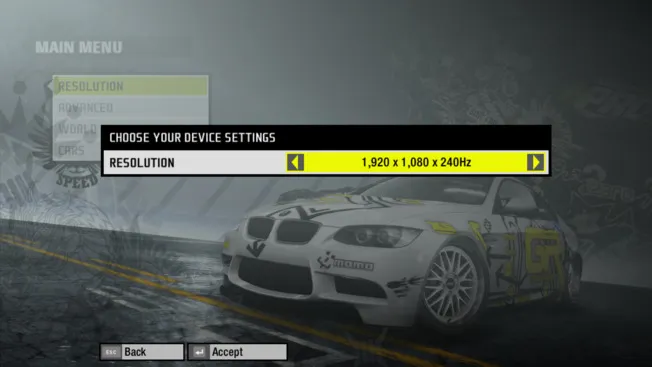
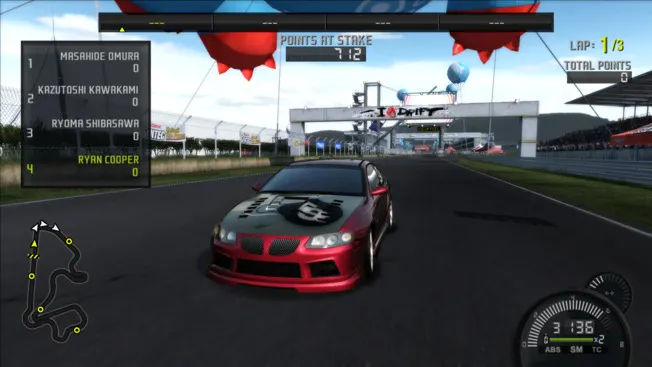
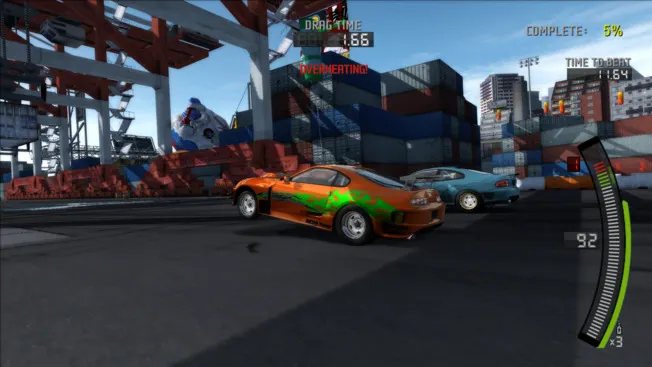
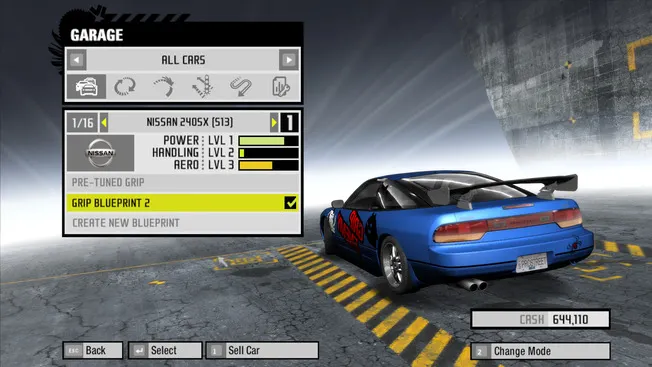
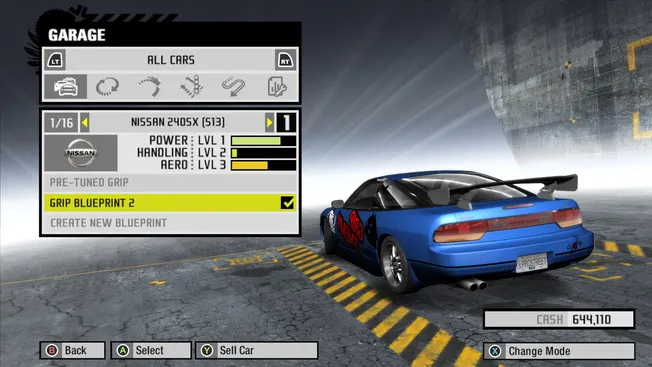
ProStreet Fusion Fix — a comprehensive patch by ThirteenAG (with contributions from AeroWidescreen and xan1242) for the PC version of Need for Speed: ProStreet from the WidescreenFixesPack set. It adds proper support for widescreen resolutions (including ultrawide), fixes the HUD, field of view, and videos, eliminates crashes and game bugs, and brings a host of improvements.
What the mod adds:
- correct proportions of all image elements, HUD, and FOV (Xbox 360 modes and "mathematically correct" hor+), ultrawide support;
- video fixes (fullscreen display, crop/stretch);
- stability fixes: TrackStreamer, FE Script, damage memory leak, disabling achievements and PunkBuster, LAN mode on Windows 11;
- new options: skip intro, windowed mode, removing the FPS limit and Sim Rate adjustment, auto-detection of resolution, stick dead zones, custom save folder, registry-free settings, shadow resolution, disabling Motion Blur, "console" gamma, etc.;
- free camera with mouse/stick (Mouse/Stick Look).
Requirements: Need for Speed: ProStreet game version 1.1.
Author: ThirteenAG (with contributions from AeroWidescreen and xan1242)
Source: https://github.com/ThirteenAG/WidescreenFixesPack/releases/tag/nfsps
How to install
- Make sure the game Need for Speed: ProStreet version 1.1 is installed.
- Unpack the downloaded archive.
- Copy the dinput8.dll file to the game's root folder — the one containing nfsps.exe (this is the ASI plugin loader).
- Copy the scripts folder (NFSProStreet.FusionFix.asi and NFSProStreet.FusionFix.ini) to the game's root folder, preserving the structure: .../game_folder/scripts/.
- If desired, open .../scripts/NFSProStreet.FusionFix.ini and configure the settings (HUD/FOV, windowed mode, FPS, skip intro, etc.).
- Launch the game (nfsps.exe).