NFSMW Unlimiter
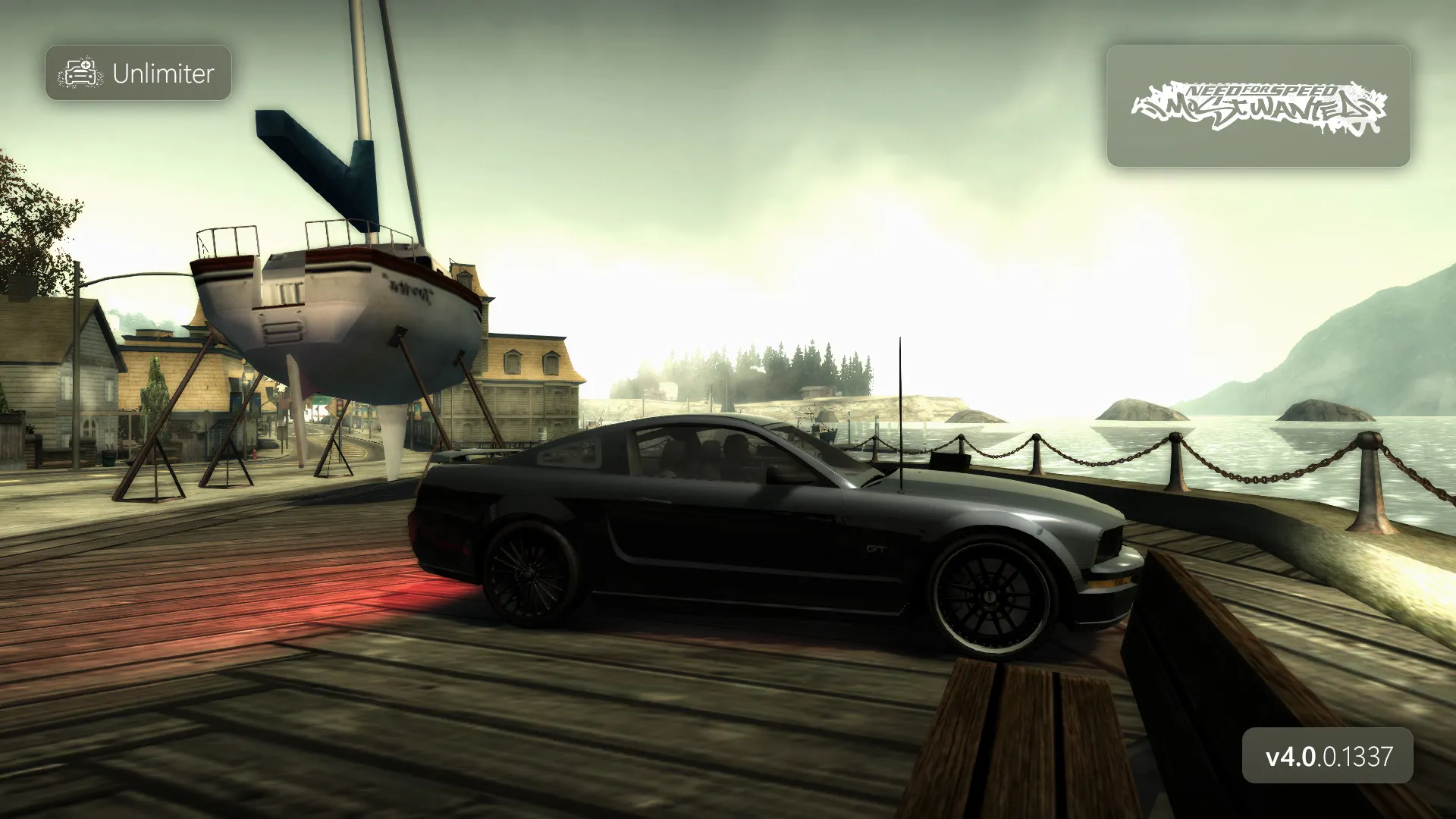
NFSMW Unlimiter is a powerful script mod that removes the game's internal limits, fixes old bugs and significantly expands tuning possibilities.
Key features:
- Add-on support: dynamic calculation of the car limit and transfer of the manufacturer system from NFS Carbon.
- Fixes (QoL): solving the "disappearing wheels" issue, flickering cars in rain, and expanding memory pools for stability.
- Interface improvements: correct scrolling in the paint selection menu (more than 80 colors) and custom gauges.
- Extended tuning: separate installation of front and rear rims, adding neons, custom tires and the ability to revert to stock performance parts.
- Flexible configuration: almost all functions can be customized via .ini files in the scripts folder.
Attention: The mod is NOT compatible with the outdated Mod Loader (d3d9.dll). Please remove it before installation.
How to install:
Requirements: Game version 1.3 (speed.exe size 5.75 MB). It is recommended to apply the 4GB Patch to the executable.
- Unpack the archive.
- Installation via Binary (Part 1):
- Run Binary as administrator, select the User Mode icon (on the left).
- Select the file "_NFSMW-Unlimiter-Part1-Binary.end" and specify the path to the game.
- In the menu that appears, select "New Installation" (for a clean installation).
- Follow the program's prompts (about neons, rims, etc.). When finished, save the changes.
- Installation via NFS-VltEd (Part 2):
- Open the game in NFS-VltEd (File -> Open).
- Select File -> Import -> ModScript (or Ctrl+I) and open the file "_NFSMW-Unlimiter-Part2-VltEd.nfsms".
- Click "Install", then save the changes (Ctrl+S) and close the program.
Note: If the game is installed in Program Files, run it as administrator, otherwise the .ini file settings may not apply.