NFSPatcher
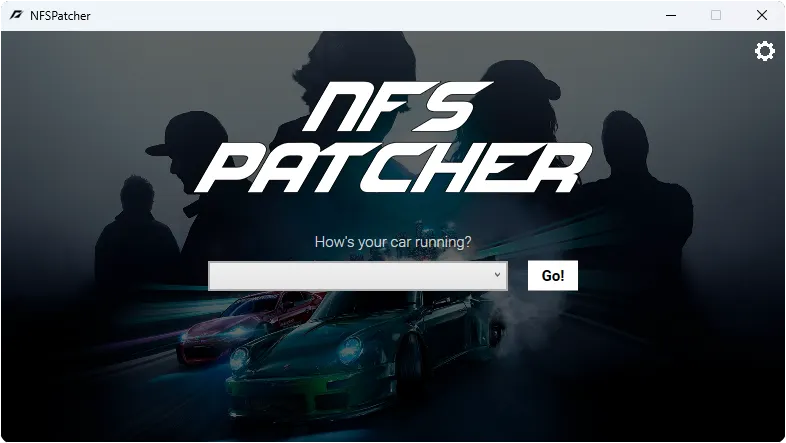
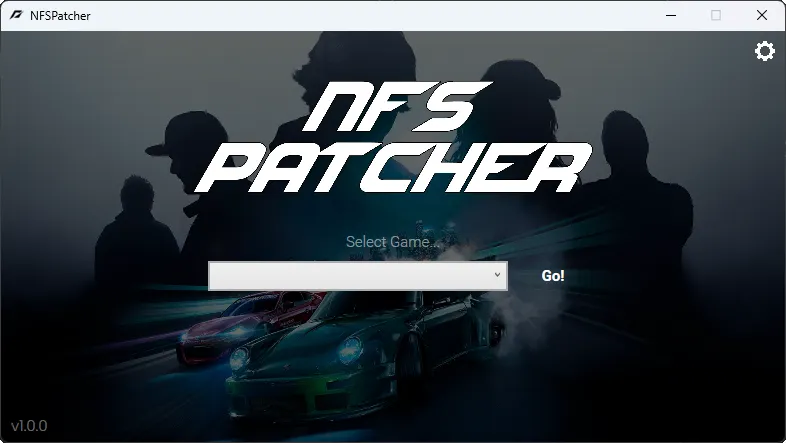
NFSPatcher is a free program that helps you run older Need for Speed games on modern computers. It automatically downloads and installs official patches (once published by EA and preserved in the Wayback Machine), and also applies ThirteenAG's widescreen fixes (WidescreenFixesPack) and a NoCD patch. Just select a game from the list — no need to search for and install everything manually.
Features:
- automatic downloading and installation of patches;
- automatic application of widescreen fixes from ThirteenAG;
- automatic application of the NoCD patch.
Supported games: NFS II SE, NFS III: Hot Pursuit, NFS: High Stakes, NFS: Hot Pursuit 2, NFS: Underground, NFS: Underground 2, NFS: Most Wanted (2005), NFS: Carbon, NFS: The Run.
Requirements: Windows, .NET Framework 4.8, internet connection (patches are downloaded during operation).
Author: KilLo445
Source: https://github.com/KilLo445/NFSPatcher
License: MIT — https://github.com/KilLo445/NFSPatcher/blob/main/LICENSE
How to install
- Install .NET Framework 4.8 if it is not already installed: https://dotnet.microsoft.com/en-us/download/dotnet-framework/net48
- Extract the archive to a separate folder (for example,
C:\NFSPatcher). - Run
NFSPatcher.exefrom that folder. - Select the desired game from the list (classic NFS — from NFS II SE to The Run).
- Click Go! and wait for the program to download and apply the patches (widescreen fix, NoCD, and others).
- Launch the game and check the result.