Vulkan Thrash Driver + Uncapped FPS + Widescreen Patches (All-in-One)
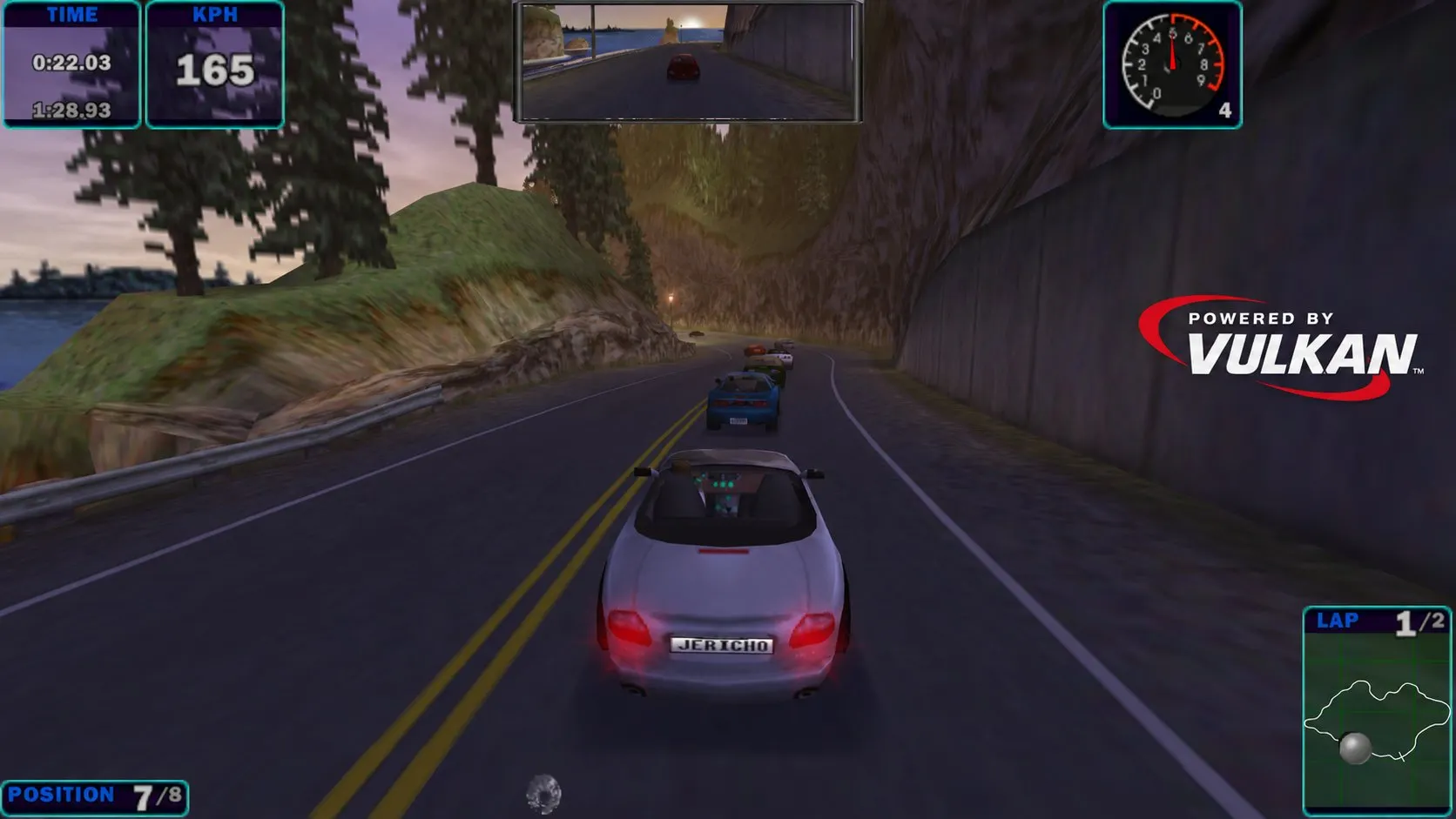
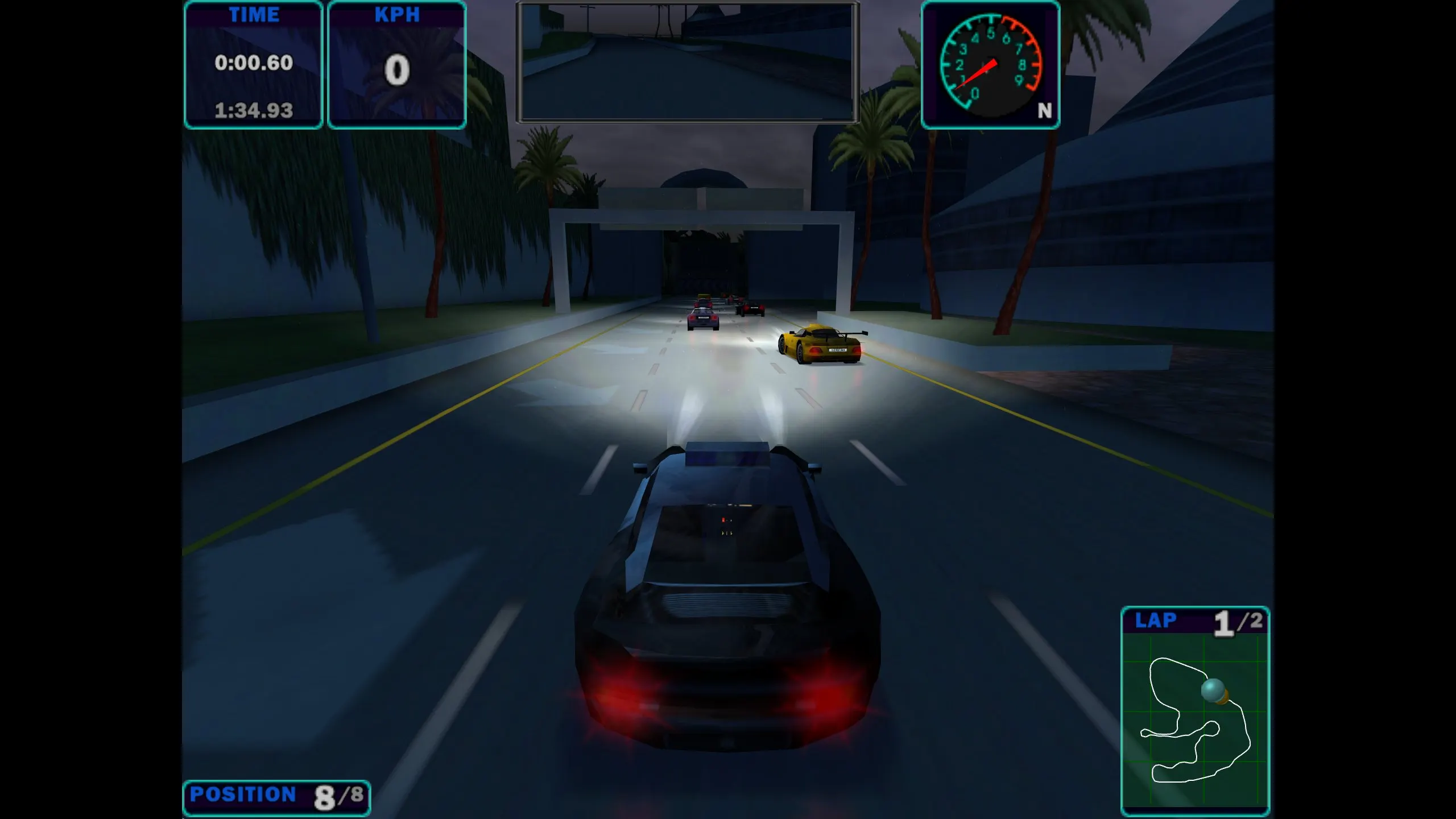
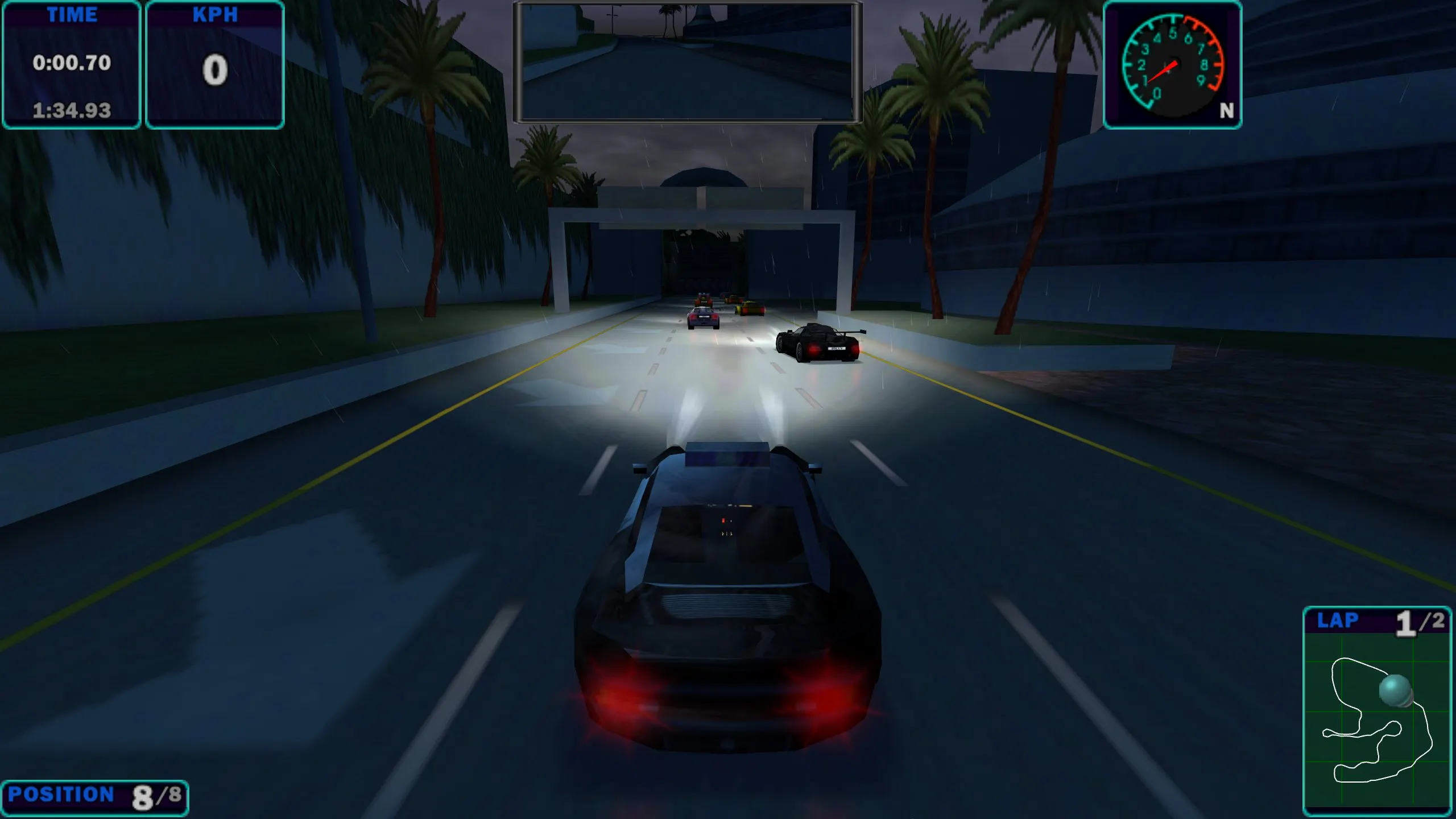
Vulkan Thrash Driver + Uncapped FPS + Widescreen Patches — a set of enhancements for the PC version of Need for Speed: High Stakes by Ultra Jericho. It combines native rendering via Vulkan (THRASH driver), removal of the frame rate cap, and widescreen mode patches.
Features:
* native Vulkan rendering via the THRASH interface;
* removal of the FPS cap with correct frame timing — the game's physics are not broken;
* automatic widescreen support: correct camera FOV and compatible HUD;
* configurable MSAA (off/2x/4x/8x) and anisotropic filtering (up to 16x);
* windowed, borderless, fullscreen (desktop and exclusive) modes;
* Z-fighting fix, multi-monitor support, fixes for video cutscenes on multi-core CPUs, hi-res main menu;
* full support for in-game graphics settings (gamma, Z-buffer, headlight projection, fog, glare).
Author: Ultra Jericho (testing — Scarecrow).
Requirements: a GPU and driver with Vulkan support; game version with patch 4.50 (except Japanese).
Source: https://nfsaddons.com/downloads/nfshs/tools/11454/vulkan-thrash-driver-uncapped-fps-widescreen-patches-all-in-one.html
How to install
1) Update the game to official patch 4.50 (the Japanese version is not supported).
2) Unpack the archive and copy its contents to the root folder of Need for Speed: High Stakes (where the game's executable file is located), confirming file replacement.
3) Make sure that your graphics card and driver support Vulkan.
4) Launch the game.
5) If necessary, set MSAA, anisotropic filtering, screen mode, and FPS limit in the mod's configuration file.