Random Roadblocks
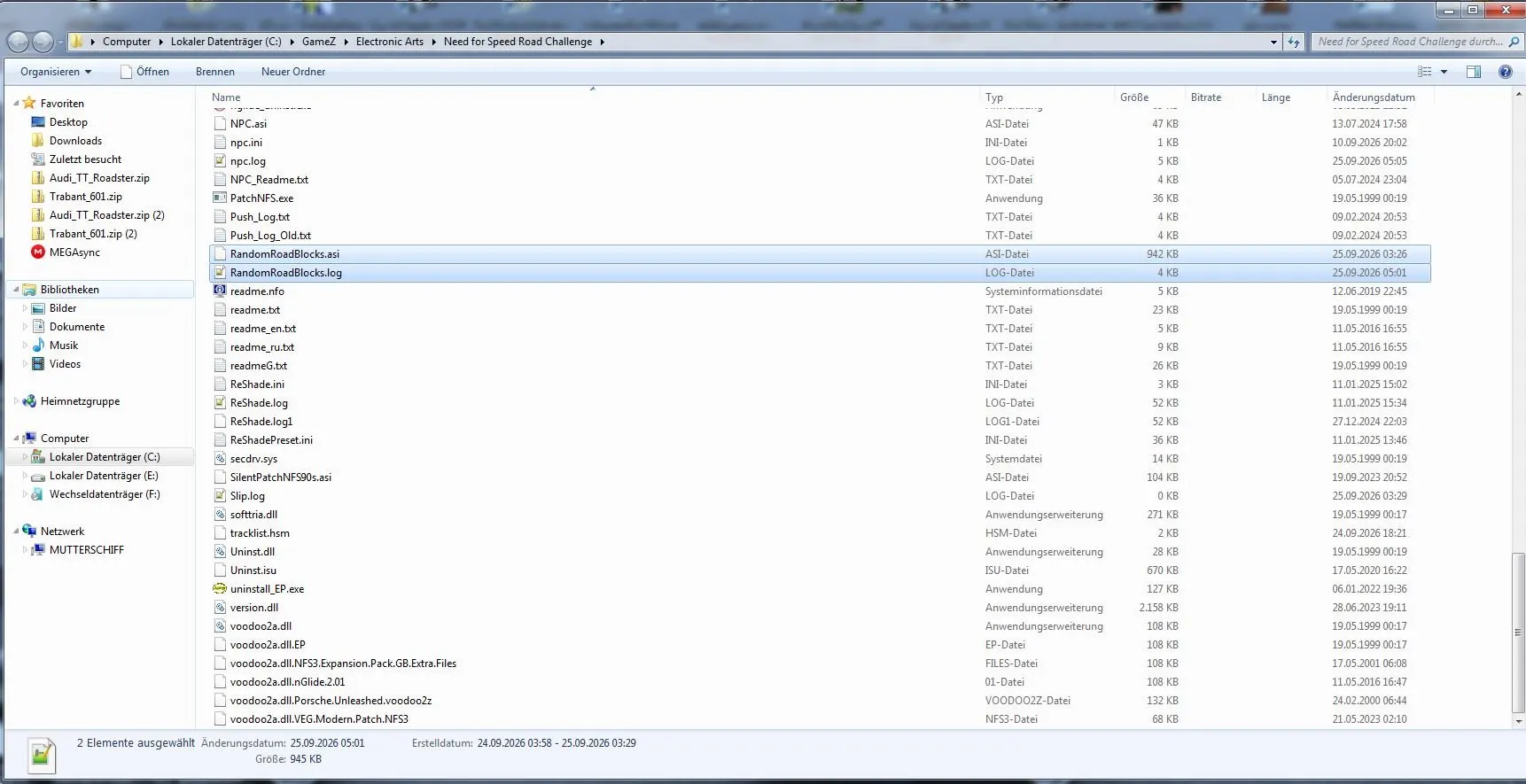
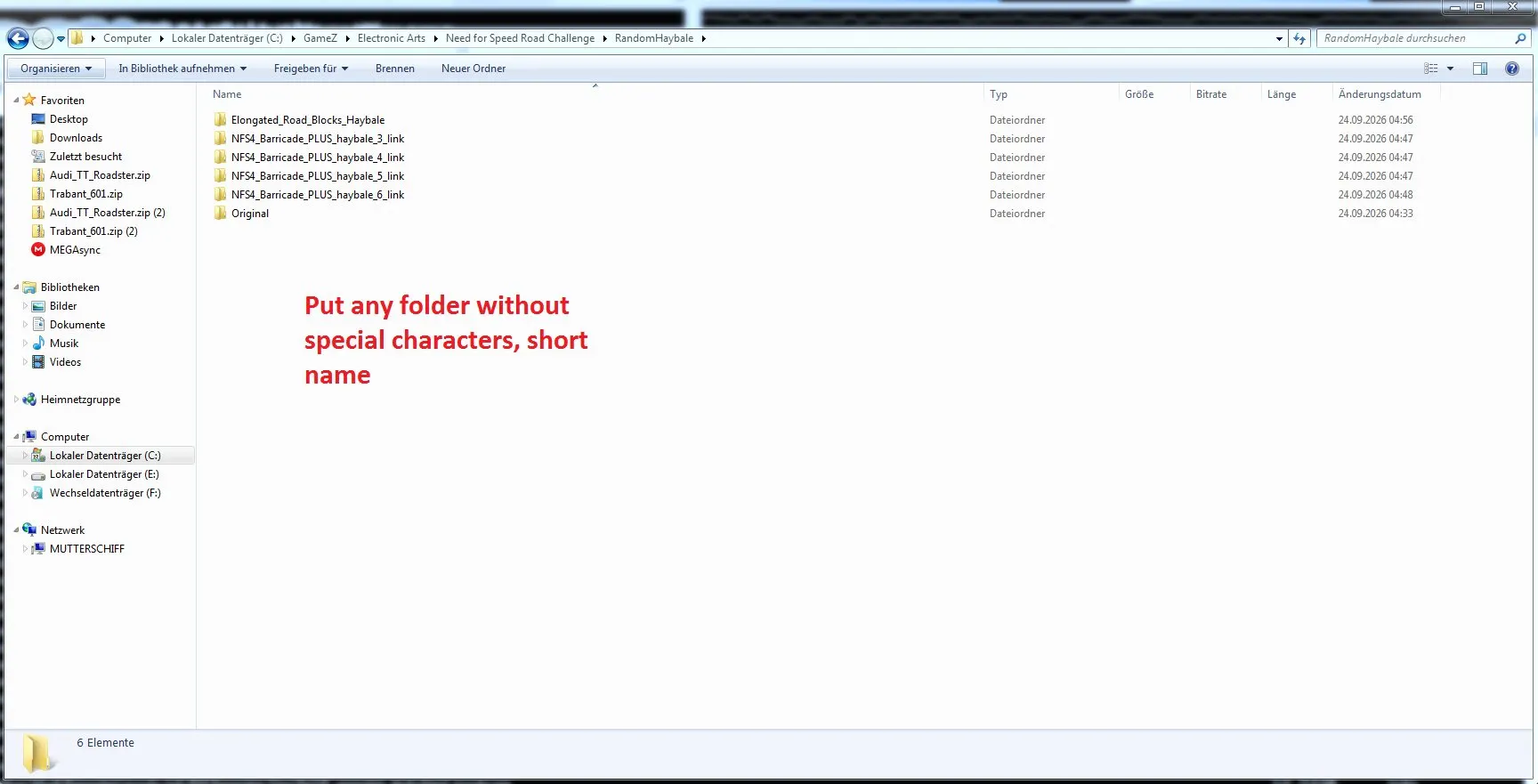
Random Roadblocks — a plugin for the PC version of NFS: High Stakes that randomly changes roadblocks after every race. The plugin selects one of the subfolders in the RandomHayBale and RandomMedian sets and substitutes its files (median.art and median.fce) into Data/GameArt: the game picks them up at race start, so you can change the look directly from the menu.
Features:
* random replacement of hay bales and medians after every race;
* custom sets: just create a subfolder and put the files in it;
* compatibility with the author's other plugins thanks to MinHook;
* if there are no alternative files, the game uses the original ones.
Author: pete9516
Source: https://nfsaddons.com/downloads/nfshs/tools/11496/random-roadblocks.html
How to install
- Install NFS: High Stakes.
- Unpack the archive and open the V2 folder.
- Copy all contents of the V2 folder to the game directory where nfs4.exe is located.
- For your own variants, create a subfolder in RandomHayBale or RandomMedian and put median.art and median.fce there.
- Launch the game — after every race, the roadblocks will change automatically.
The script was written with the help of AI (Gemini).