Celtic Ruins HD
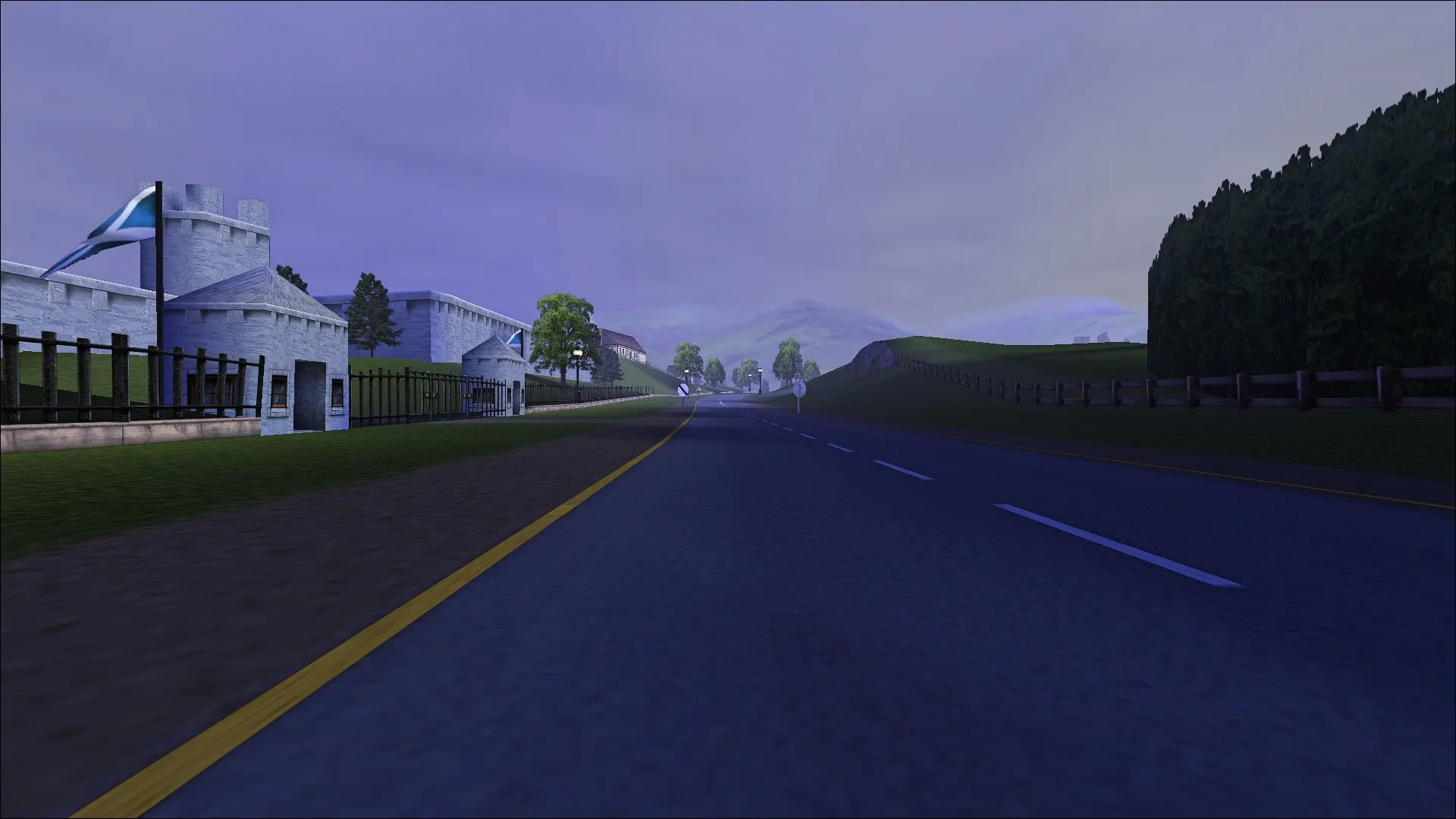
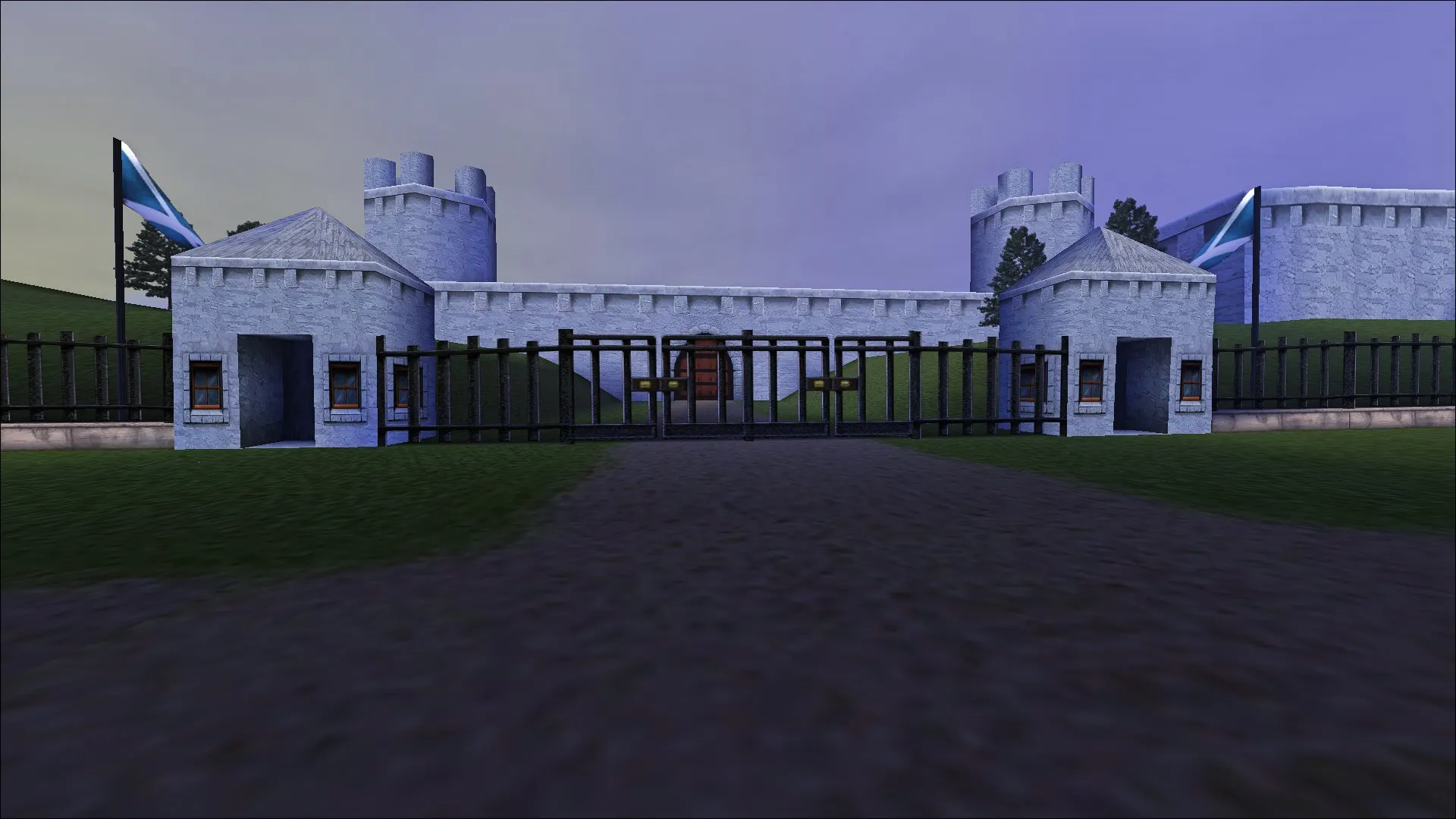
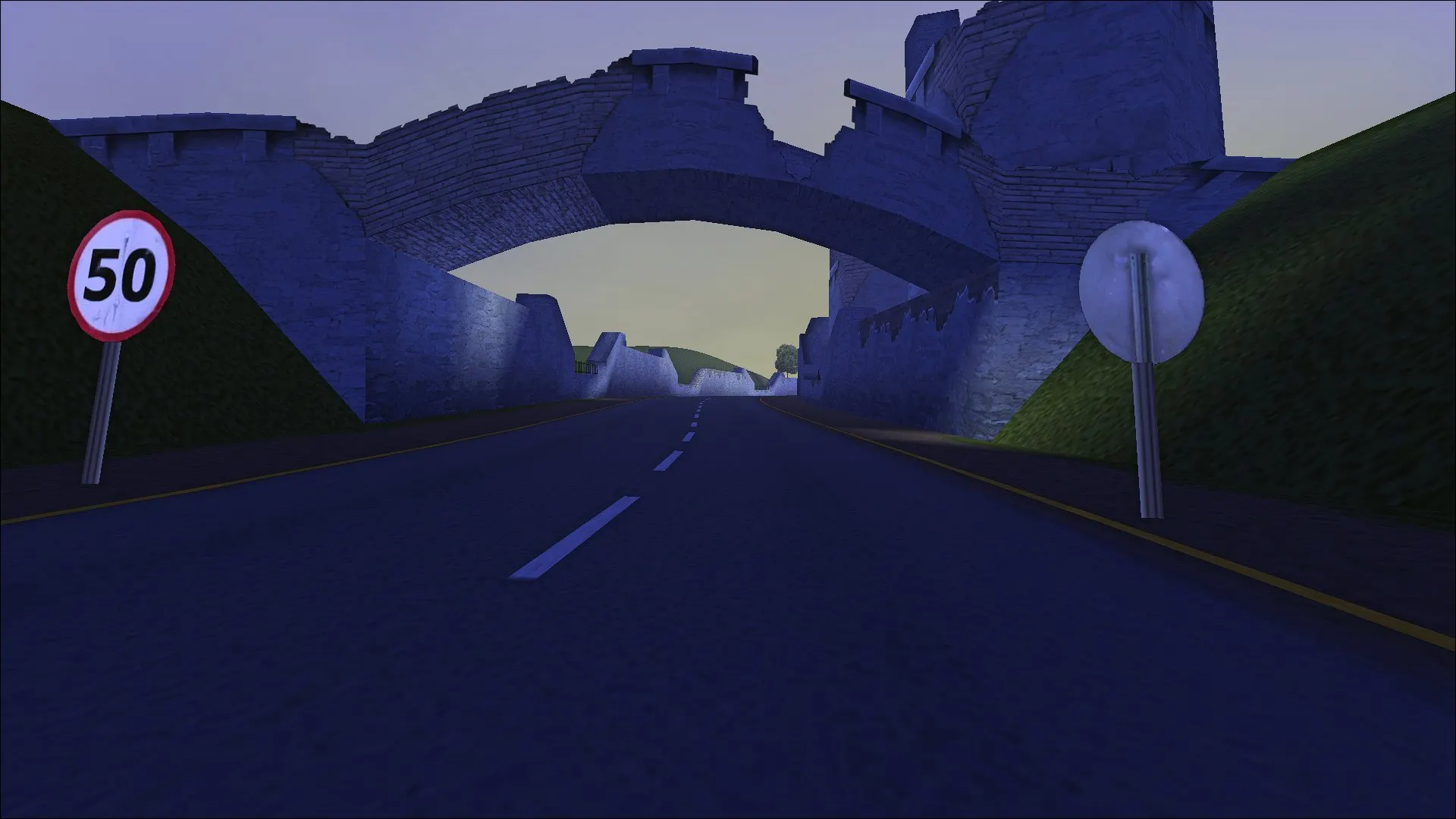
Celtic Ruins HD — an updated version of the Celtic Ruins track for the PC version of NFS: High Stakes by Hommelwomb. The author redrew the environment and textures in high resolution to make the familiar route look more modern; AI generation tools were used when working on the images.
What changes:
* the Celtic Ruins track gets HD textures and environment elements;
* the update affects the visual part of the track.
Important: before installation, back up the folder with tracks — the mod replaces the original files.
Author: Hommelwomb
Source: https://nfsaddons.com/downloads/nfshs/tracks/11011/celtic-ruins-hd.html
How to install
- Unpack the mod archive into a separate folder and check which directories and files it contains.
- Completely close the game.
- Back up the tracks folder in the installed Need for Speed: High Stakes directory.
- Copy the folder with the Celtic Ruins track files from the archive into the game's tracks directory, preserving the directory nesting.
- If the files are in the archive without a folder, create a folder with the track name following the example of neighboring tracks and place the files there.
- Launch the game and select Celtic Ruins — the track should load with updated textures.
- To roll back, restore the original track files from the backup.