Collision Disabler & Online Menus Adjustments
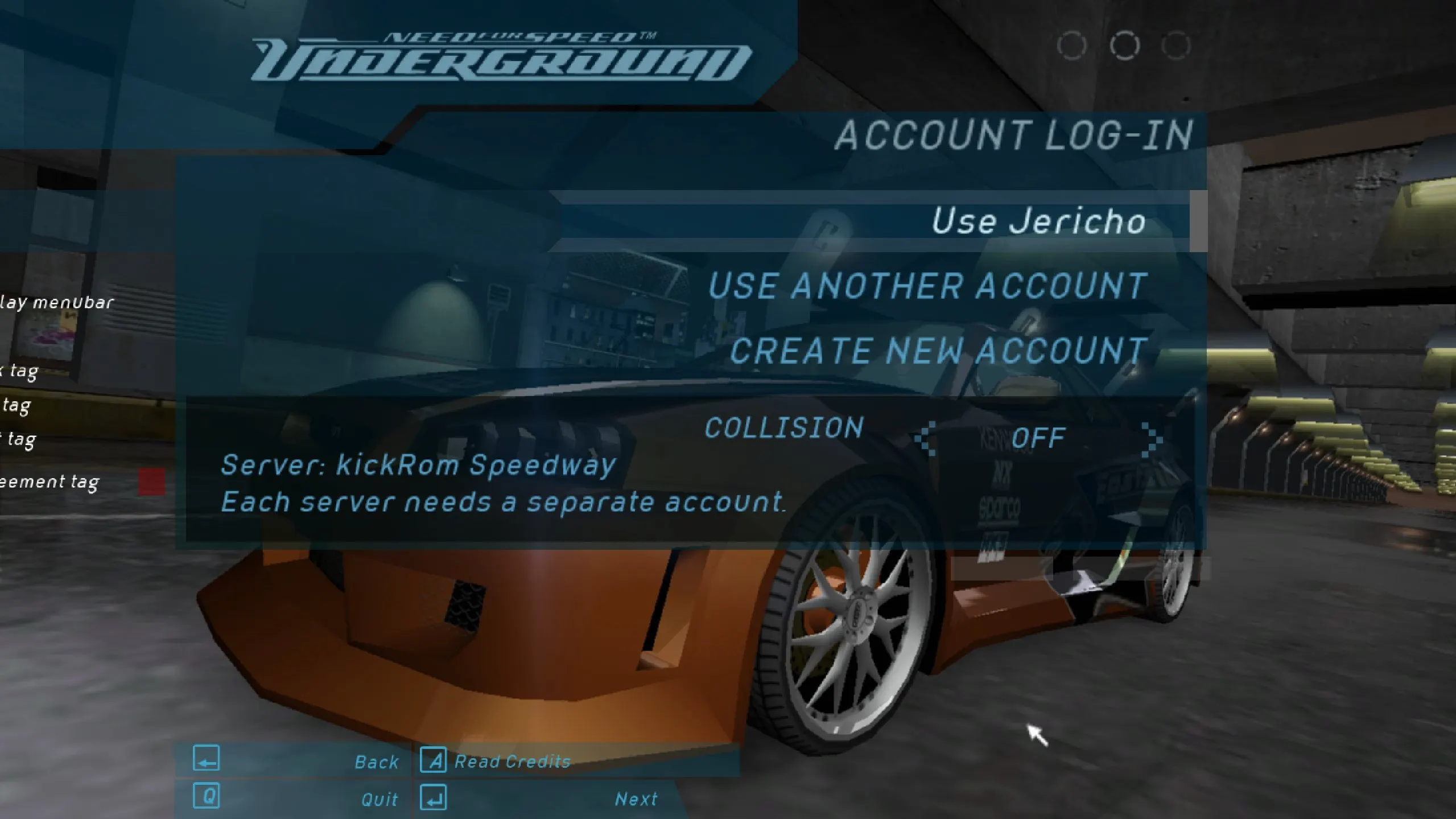
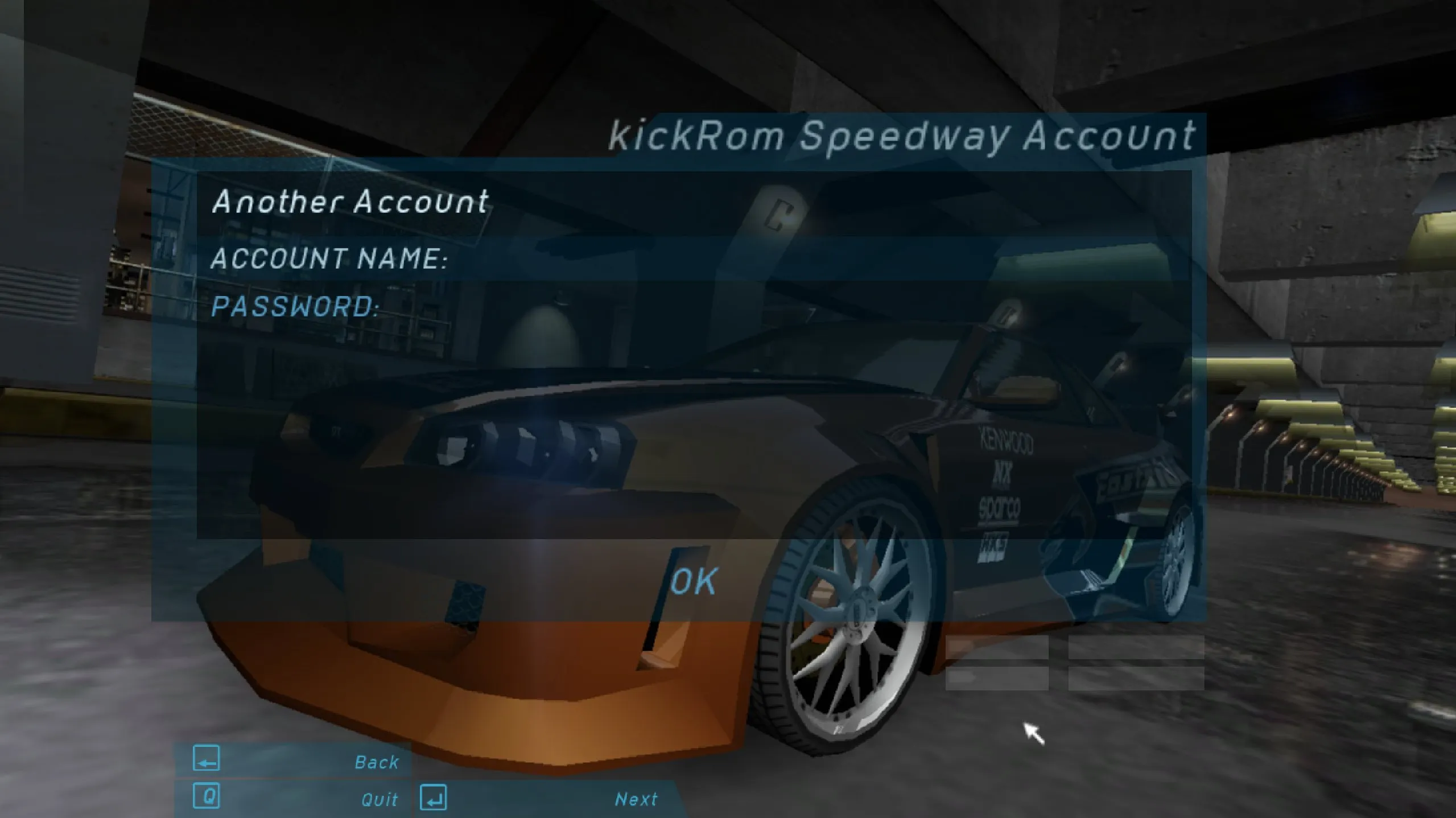
Collision Disabler & Online Menus Adjustments — a patch by Ultra Jericho for NFS: Underground online mode. In online, cars no longer push against each other and pass through each other, but walls, scenery and other obstacles still stop the car. The patch also tidies up the online menus: fixes texts, skips e-mail requests and password confirmations during registration, and removes the unnecessary “Do you wish to use this car?” window when selecting a car.
The author released the first version of collision disabling back in 2022, and the current build has been brought to the originally intended behavior.
What you should know:
* the patch works only online — it does not work in single-player or Quick Race;
* requires Ultimate ASI Loader by ThirteenAG;
* before installation, delete the old NFSUndergroundCMP.asi from the scripts folder, otherwise there will be a conflict;
* if your antivirus flags the files, this is a false positive — add them to exceptions.
Author: Ultra Jericho
Source: https://nfsaddons.com/downloads/nfsug/tools/8952/collision-disabler-online-menus-adjustments.html
How to install
- Unpack the archive.
- Install Ultimate ASI Loader by ThirteenAG into the NFS: Underground game folder: place the dinput8.dll (or dsound.dll) file next to speed.exe.
- Open the scripts folder in the game directory and delete the outdated NFSUndergroundCMP.asi if it is there.
- Copy the patch files from the archive into the scripts folder, preserving the folder structure.
- Launch the game and enter online mode — the changes will be applied automatically.