NFSWorld-UI Scale Fix
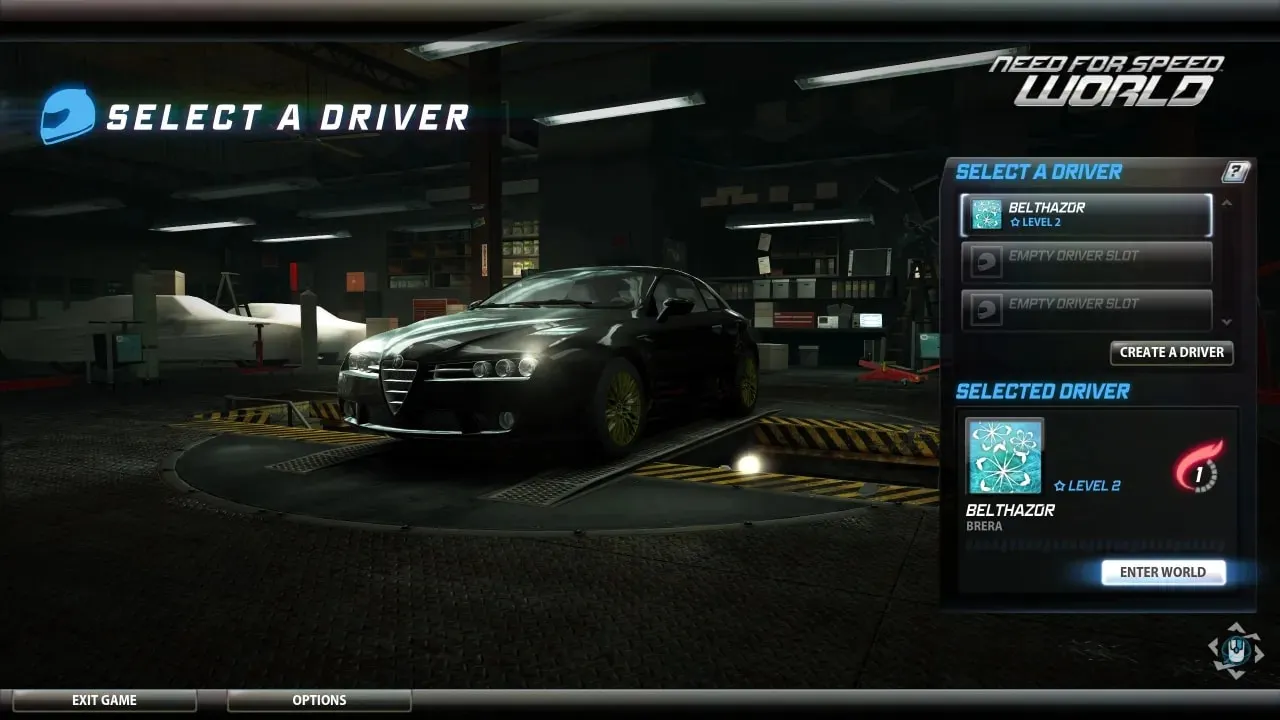
NFSWorld-UI Scale Fix — ASI plugin for NFS: World by paokkerkir that fixes the small UI on 1440p and 4K monitors.
The game still renders at native resolution, while the HUD, menus, windows and tooltips are drawn at a readable size. The usual workaround — launching at 1080p with the image stretched — is no longer needed.
Features:
* automatic scaling by screen height or manual factor;
* elements are anchored to their edges, central ones stay centered;
* correct clicks, hovering and window dragging;
* separate tooltip size and auto-hide cursor during races;
* exclusion or separate configuration of elements by file name.
An ASI loader and the Soapbox Race World server are required for it to work.
Author: paokkerkir
Source: https://nfsmods.xyz/mod/8067
How to install
- Download and extract the archive.
- Copy NFSW.HUDScale.asi and NFSW.HUDScale.ini to the game folder next to nfsw.exe (for example, ...\NFSWorld\Game Files).
- Make sure the game folder contains dinput8.dll (ASI loader). In the Soapbox build it is usually already there; if not, get Ultimate ASI Loader (x86) and rename it to dinput8.dll.
- Set your monitor resolution and launch the game via the launcher.
How to uninstall
- Delete NFSW.HUDScale.asi and NFSW.HUDScale.ini from the game folder.
- If a NFSW.HUDScale.positions.ini file has appeared, delete it as well.
- Launch the game — the interface will return to its original appearance.