Underground 2 Android Evolved 0.14.10
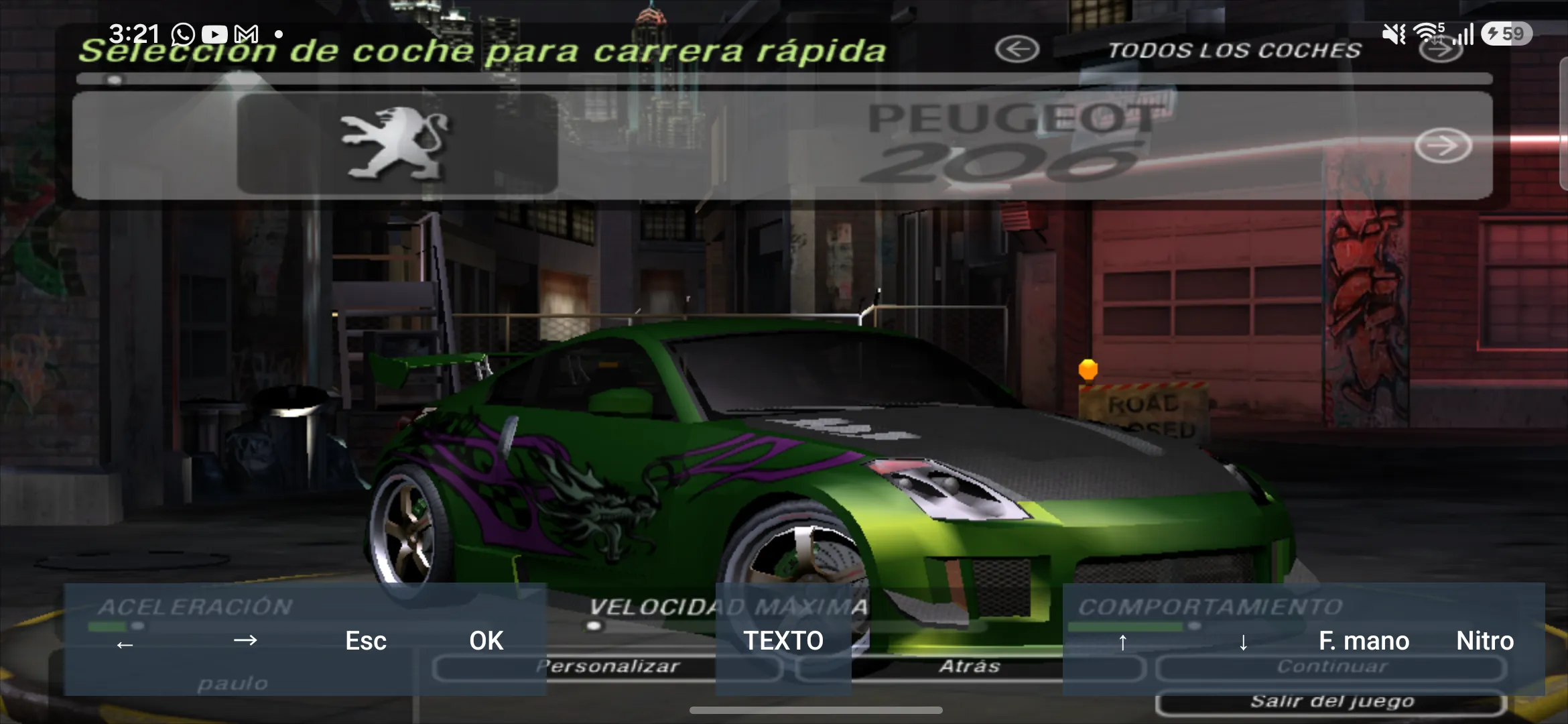
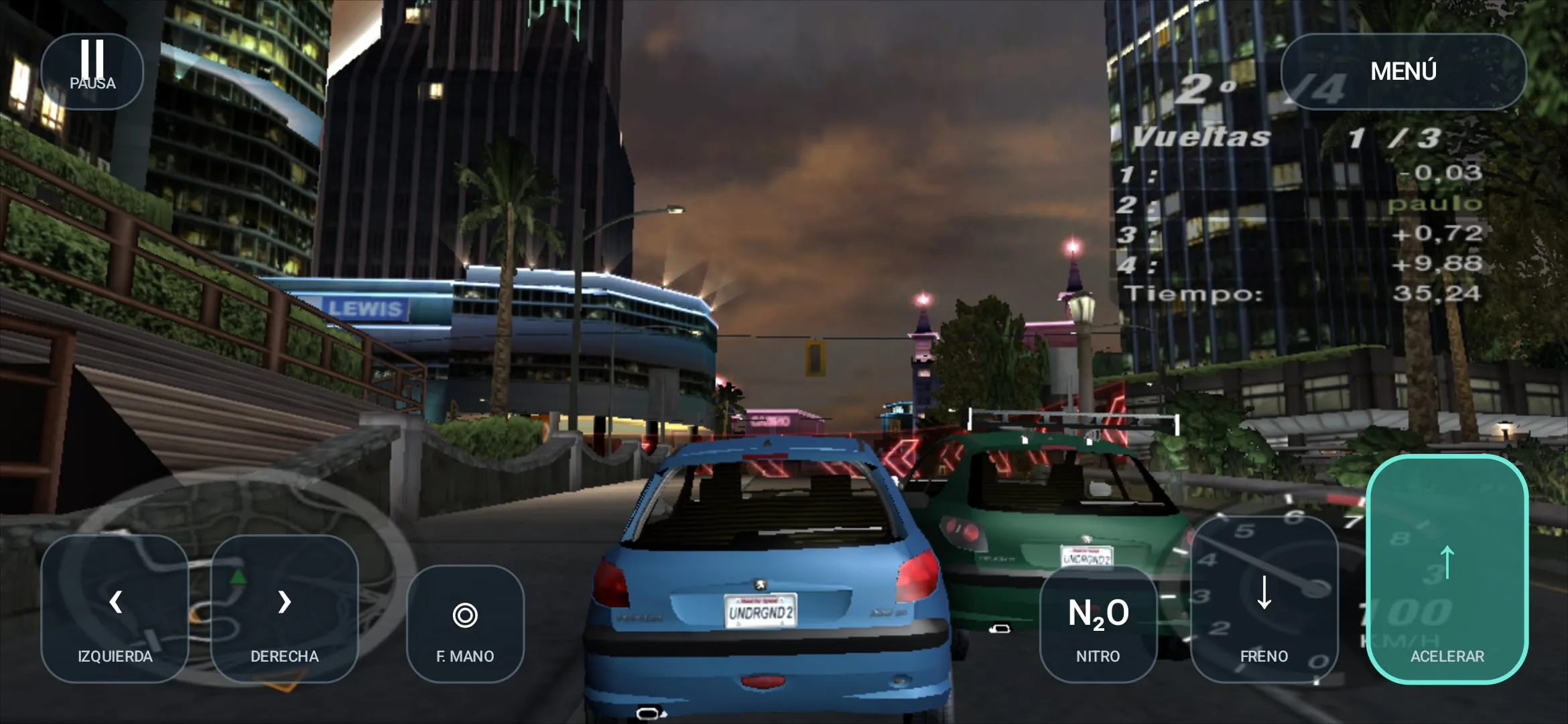
Underground 2 Android Evolved — an unofficial port of Need for Speed: Underground 2 to Android by codepdbh. There is no emulator here: the PC version executable (SPEED2.EXE) has been statically recompiled to C and built for ARM, and graphics are output via Vulkan (DXVK Native). The game runs as a regular phone app, with no virtual machine or translation layer.
The build has no game data of its own — you need your copy of Underground 2 for PC: its files are copied to the phone's internal storage. Neither game code, nor music, nor models are supplied in the APK, and the author states this explicitly.
What's new in 0.14.10: audio has become more stable on MediaTek, Mali and Unisoc — the audio buffer starts at 40 ms and grows to 100 ms when glitches occur; music and engine sound no longer loop on loading screens; frames are output at the selected internal resolution, without a full copy for each frame.
Features:
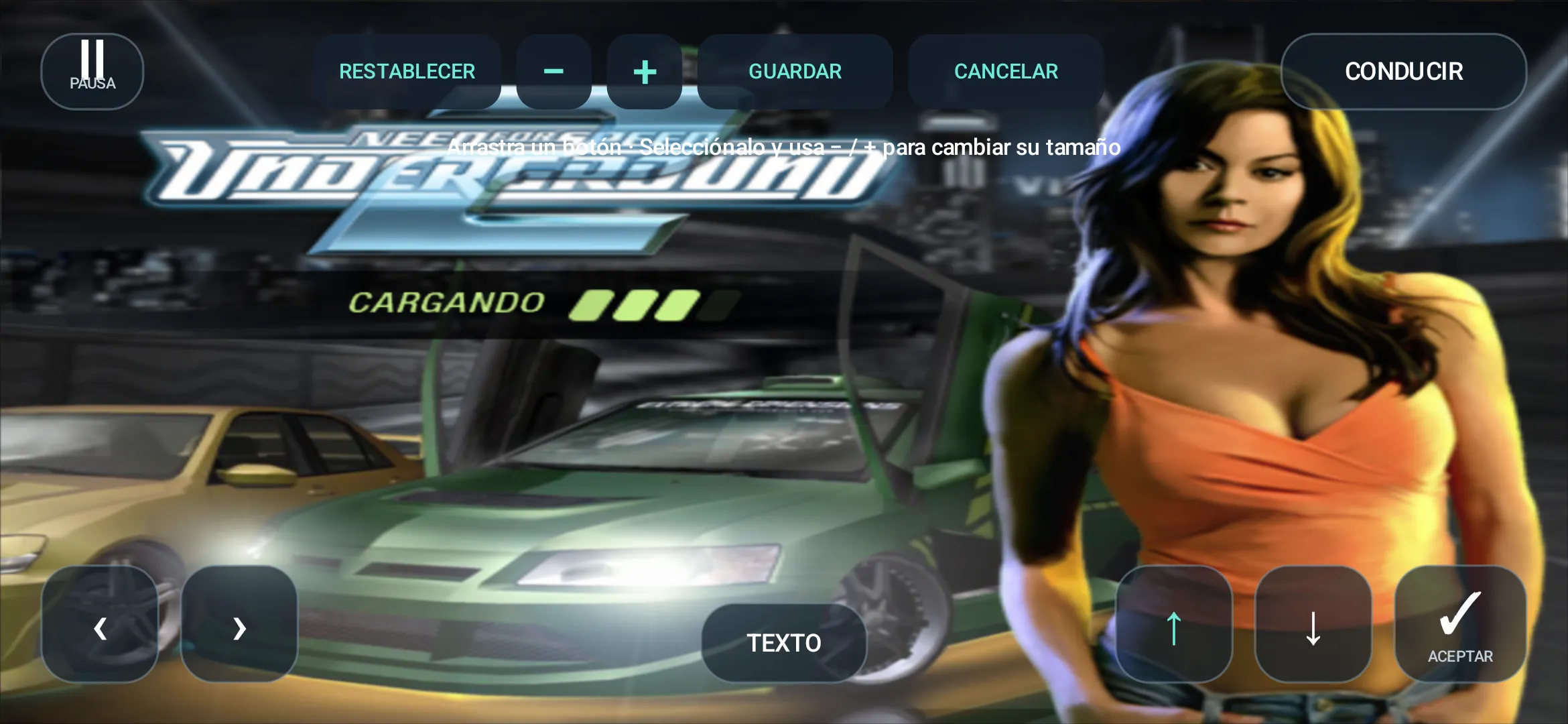
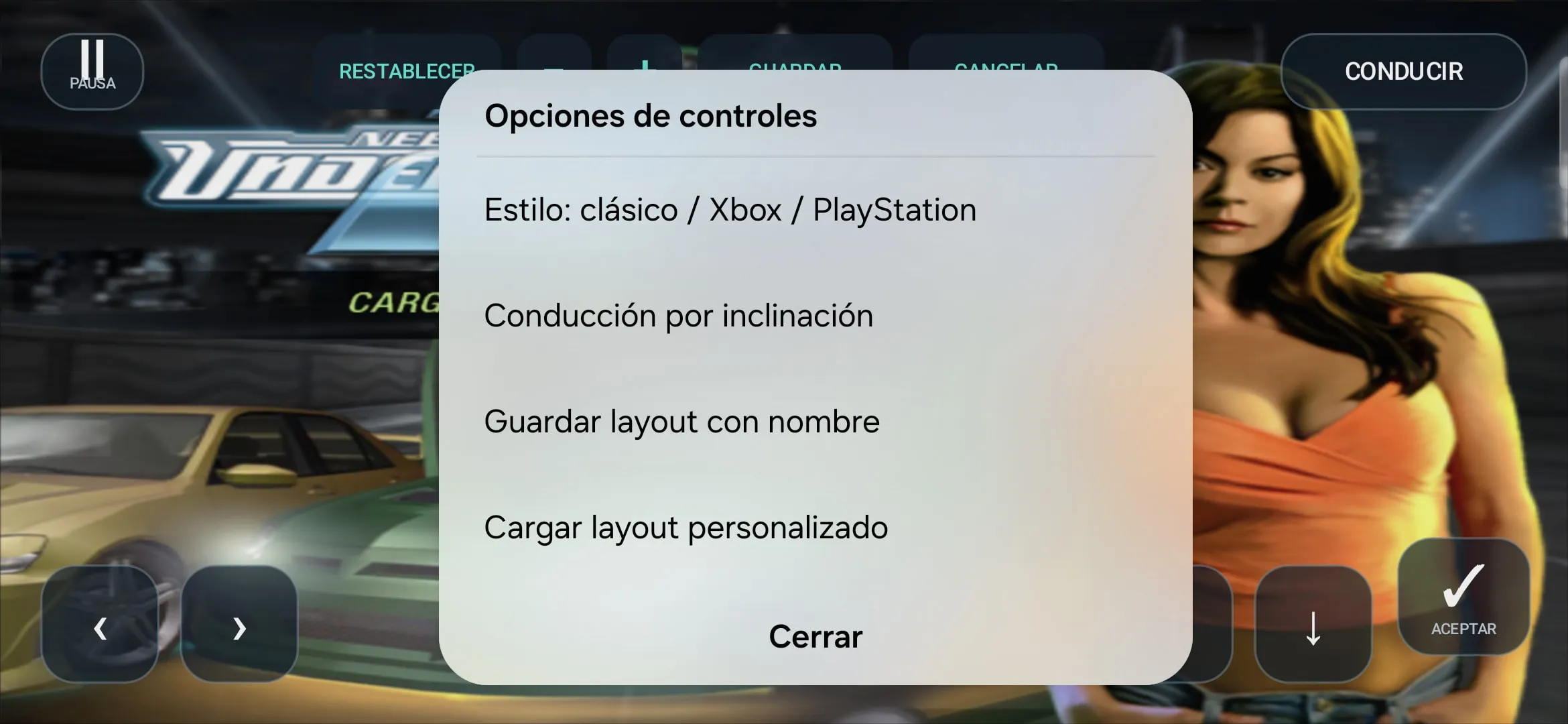
- touch controls with a layout editor and Classic, Xbox and PlayStation presets;
- tilt controls (gyroscope);
- selectable internal resolution: 25%, 50%, 75%, native, 720p;
- frame rate limiter: 30, 60, 120 or unlimited;
- language loading from the files of your game copy.
Requirements: Android 10 or higher, Vulkan 1.1 or higher, arm64 architecture (recommended) or armeabi-v7a. Both APKs have the same signature, so the new version installs over the old one as an update.
Known limitations: FPS drops a few seconds after the start of a race on some Snapdragon 8 Gen 3 and Dimensity devices, and buttons on external gamepads may not be detected.
The archive contains two APKs for different architectures and a checksums file.
Author: codepdbh (manuelpllull is also involved in the project — the port for the R36S console).
Source: https://github.com/codepdbh/nfsu2-recompiled/releases/tag/v0.14.10
Project code license: MIT.
How to install
- Copy both APKs from the archive to your computer (or just the one you need) and transfer them to your phone in any convenient way — via cable, Wi-Fi or cloud.
- Install the APK for your device architecture: NFSU2-AndroidEvolved-v0.14.10-arm64.apk for 64-bit phones (suitable for most modern devices) or NFSU2-AndroidEvolved-v0.14.10-armeabi-v7a.apk for devices that run only 32-bit apps. When installing, allow installation from this source.
- Prepare the game files: take the folder with the installed Need for Speed: Underground 2 for PC and copy its contents to your phone's internal storage into the nfsu2 folder (full path — /sdcard/nfsu2/). Without these files the game will not start.
- Launch the NFSU2 Android Evolved app and allow it access to the device's files when the system asks.
- In the start menu, select the language, internal resolution and FPS limiter.
- Tap the game launch button and wait for it to load. On first launch, set up the on-screen buttons in the layout editor: they can be moved, resized and saved as separate profiles.
- If the game does not start, check that the data is in /sdcard/nfsu2/, the device supports Vulkan 1.1 and the system allows running 32-bit apps (for armeabi-v7a).