Natural Lighting / ProStreet Lighting for Undercover 3.1
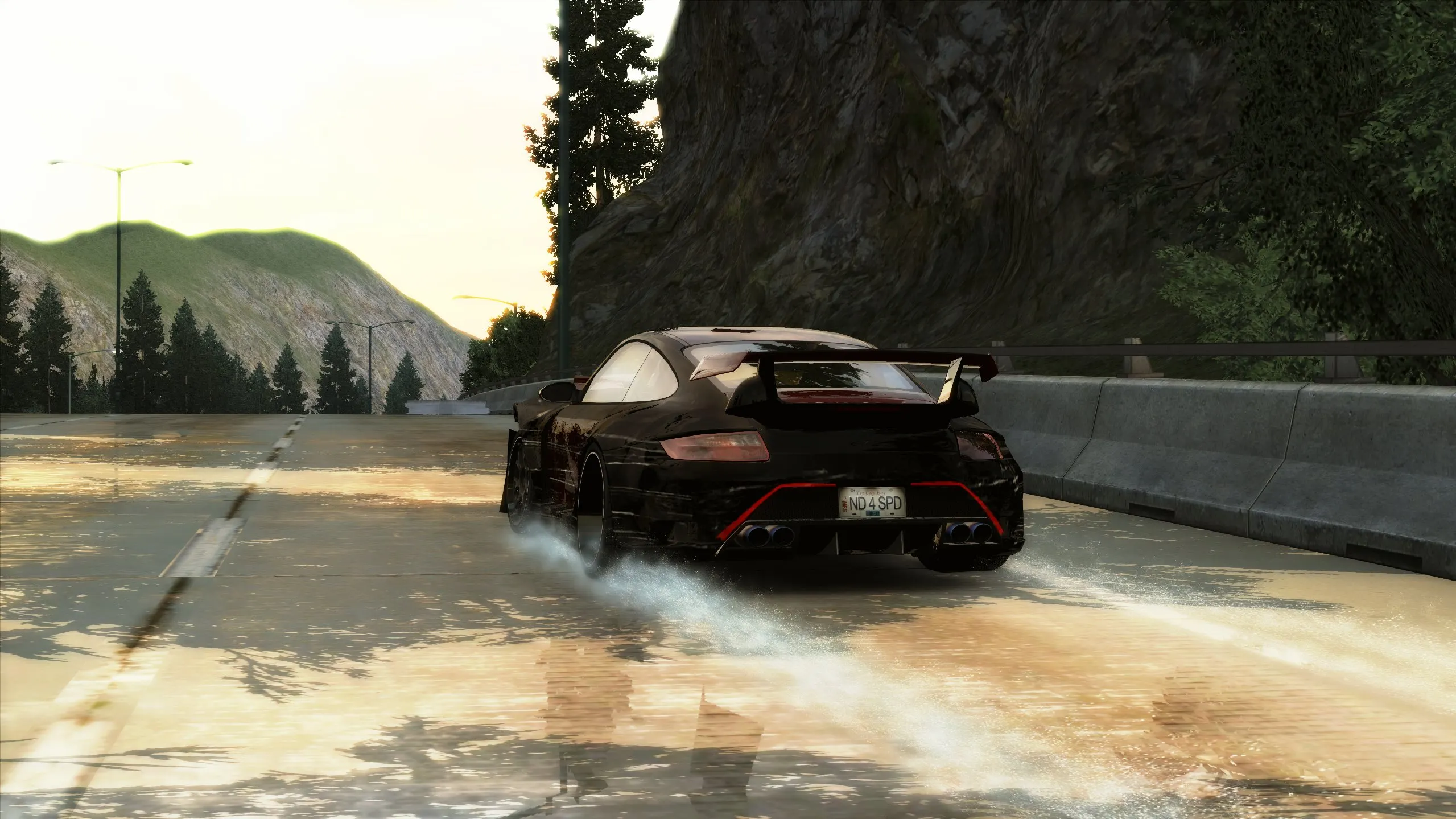
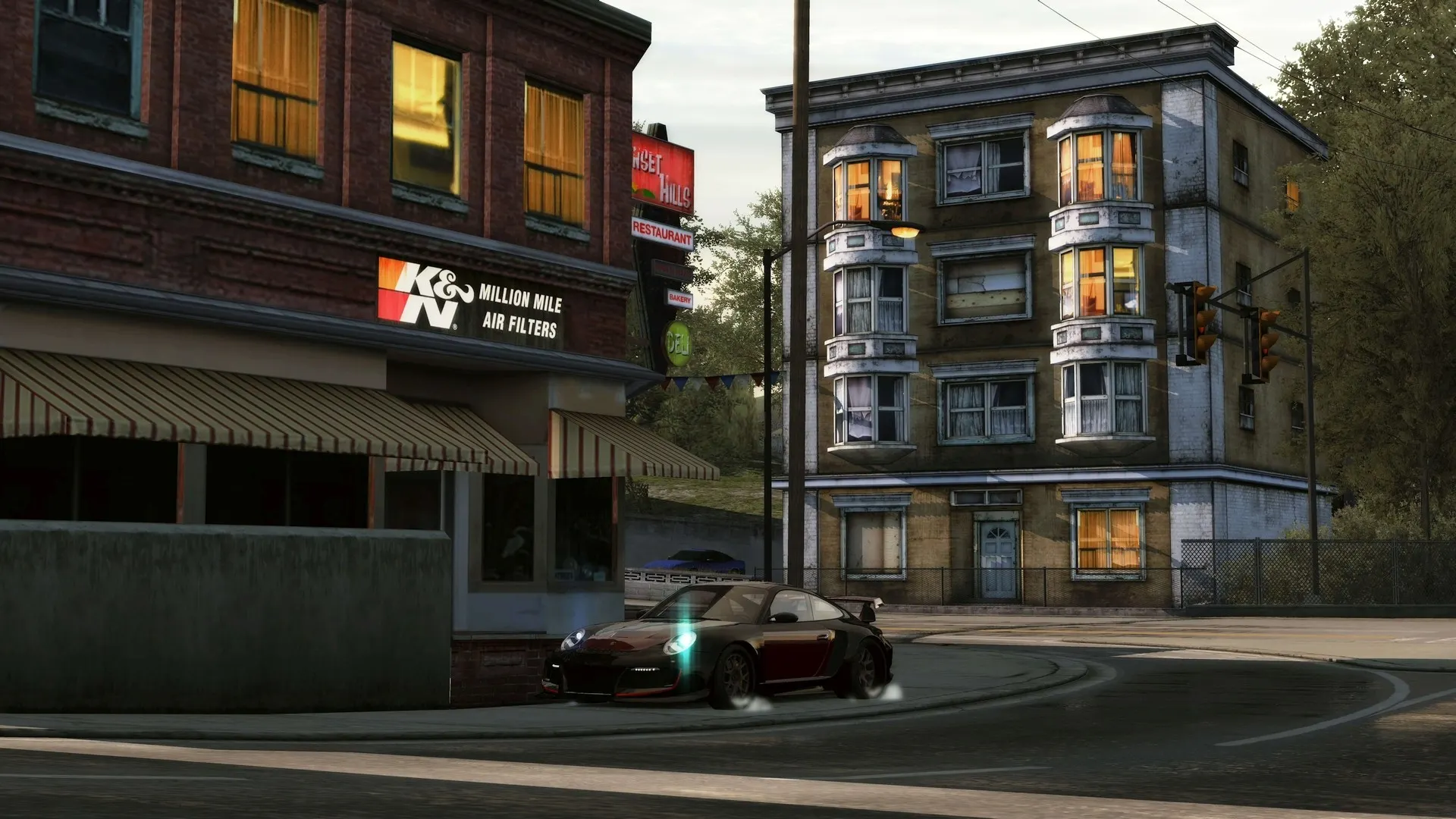
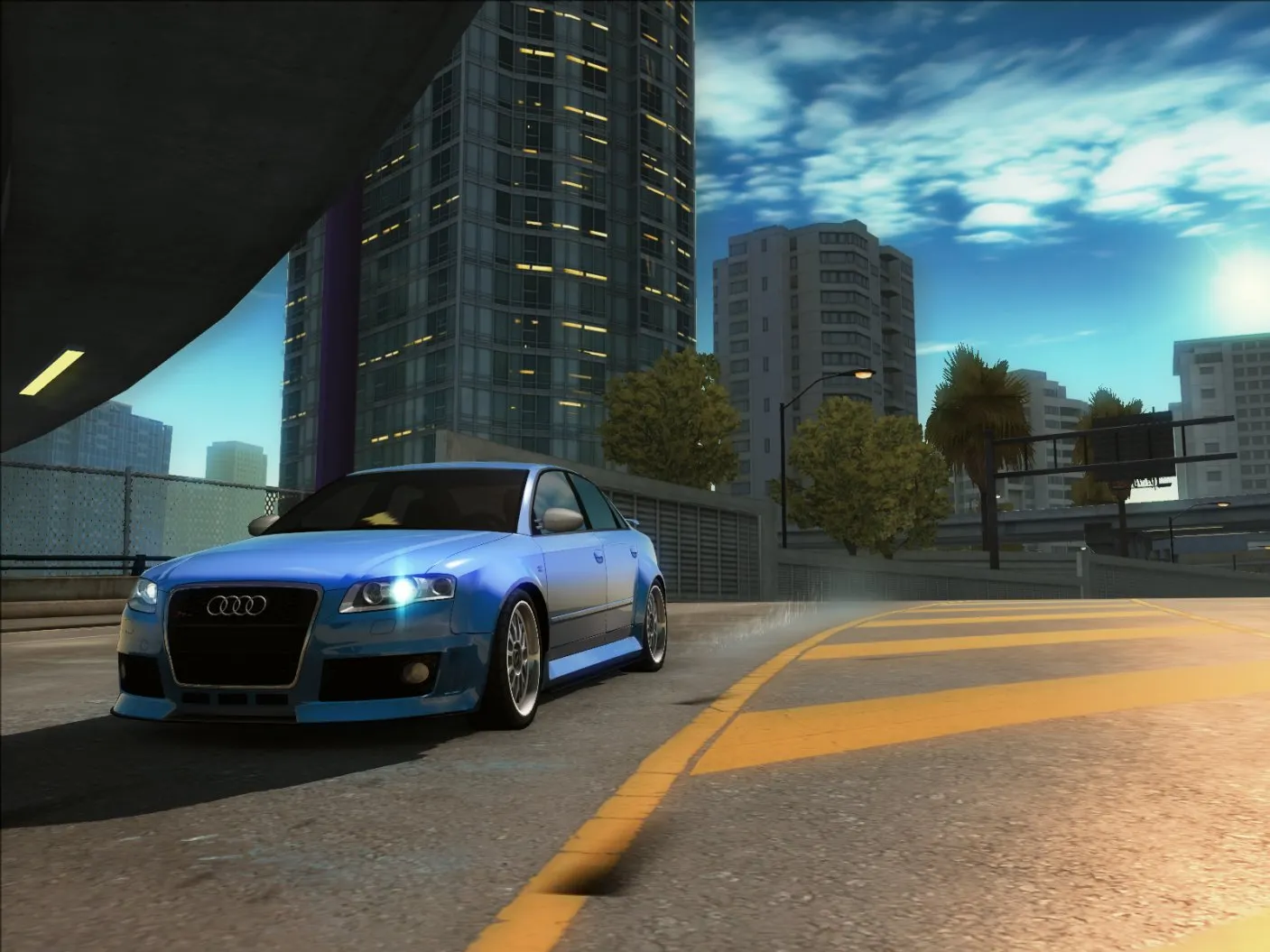
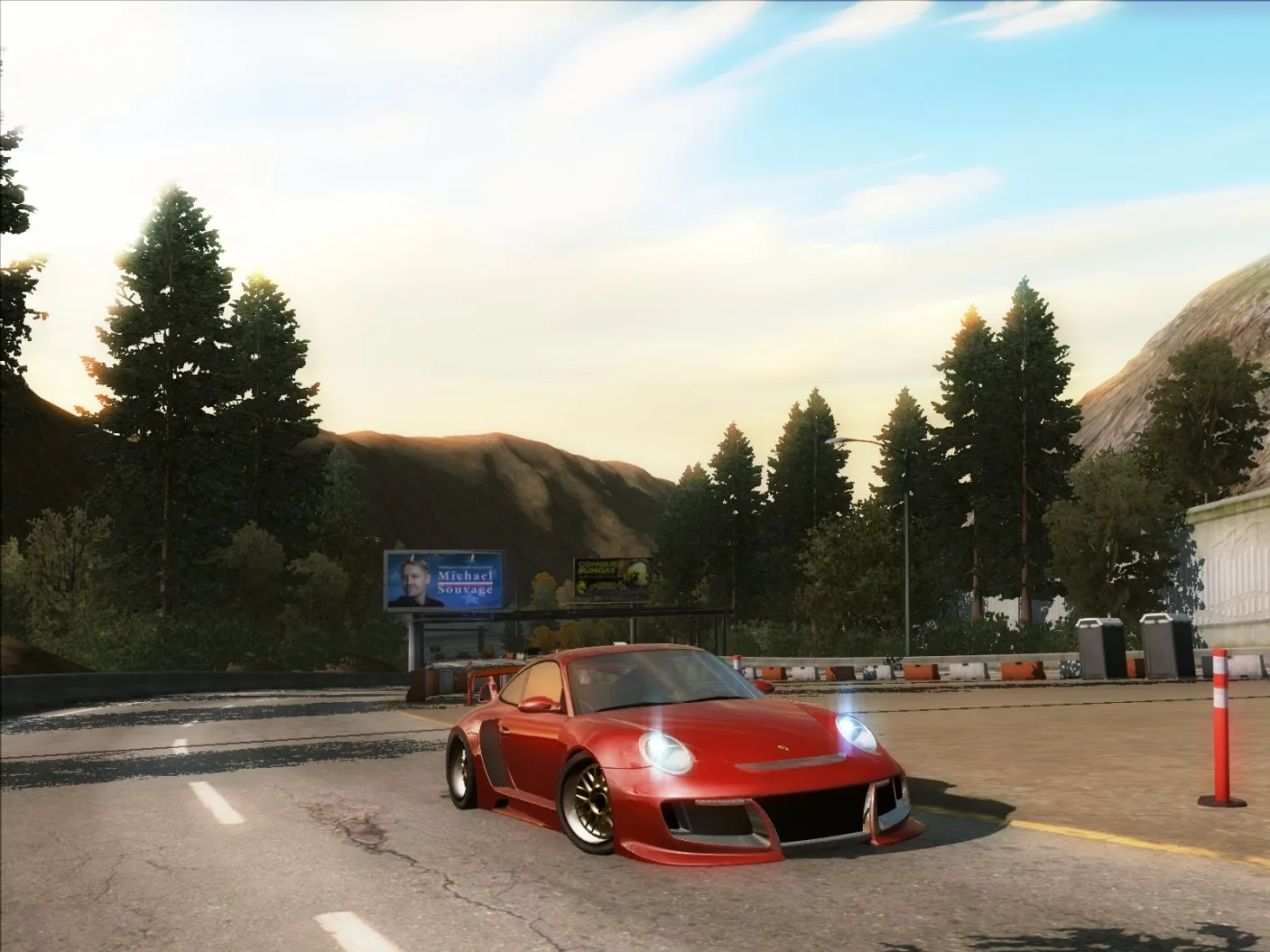
Natural Lighting / ProStreet Lighting for Undercover — a graphics mod for NFS: Undercover by CHA0SHACKER that brings the lighting from NFS: ProStreet into the game. Instead of Undercover's usual washed-out palette, you get a more contrasty image with warm sun and dense fog.
What's inside:
* environment color, sunlight, haze, fog and glare parameters taken from ProStreet;
* a custom LUT that removes the characteristic washed-out look and desaturation of the original image;
* sky textures, blob shadows and damage map from the Undercover beta version;
* a fixed world overview map texture — without the service area left over by the developers;
* restored water and fog effects that are present in console versions of ProStreet and early Undercover builds.
The mod is compatible with all game versions from 1.0.0.1 to 1.1.2.1.
Mod credits: CHA0SHACKER (settings and effects), squiddude8 (LUT), sky, damage and blob shadow textures — EA Black Box (E3 Alpha) with input from needeka from the Undercover Exposed team.
Author: CHA0SHACKER
Source: https://nfsaddons.com/downloads/nfsuc/tools/10913/natural-lighting-prostreet-lighting-for-undercover.html
Permission: the author did not state any prohibition on distribution.
How to install
- Close the game.
- Copy the game folder to a safe location — this is a backup in case you want to restore the previous lighting.
- Extract the downloaded archive.
- Move the contents of the archive to the root folder of Need for Speed: Undercover (where the game executable is located), confirming file replacement.
- Launch the game and check the result in any race: the sky, fog and reflections should resemble ProStreet.
- If nothing changed, check the game version — the mod is intended for 1.0.0.1–1.1.2.1.