Mitsubishi Evolution XIII 2 FAST 2 FURIOUS
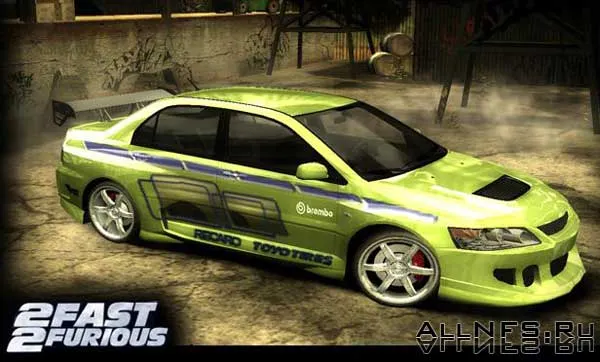
Vinyl for Mitsubishi Evolution XIII.
How to install: To install the vinyl, you need to use the bintex program. Open the vinyls.bin file in the Cars/LANCEREVO8 folder using bintex, click texture -> import and select what you need on the disk, do the same with the other files. Then click save, close the program.