Indigo Vinyl
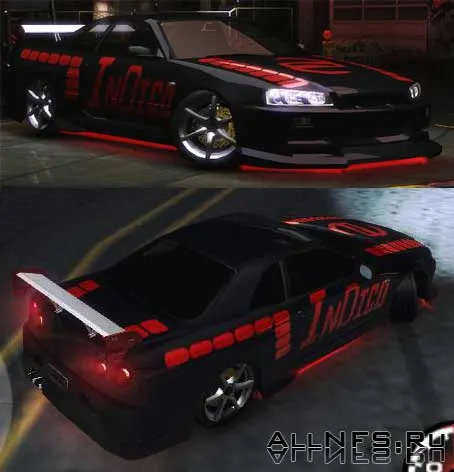
How to install: First, install the BinTex program. You can download it from the software archive for NFS7 or NFS9. Launch the program. Click the FileOpen menu item. Enter the path to the CARSSKYLINEVINYLS.bin file in the NFSU2 folder, for example "C:Need For Speed Underground 2CARSSKYLINEVINYLS.bin".Find the files SKYLINEARTF2.dds and SKYLINEARTF2MASK.dds in the vinyl list and replace them with the files of the same name from this archive. To replace a file, you need to click on it once with the left mouse button, select the Texture Import menu item and enter the path to the new file (in this case, to the files SKYLINEARTF2.dds and SKYLINEARTF2MASK.dds). When everything is done, click the FileSave menu item to save the changes. Launch the game, install the Art Factory 2 vinyl on your Nissan Skyline and enjoy!