Undercoop: NFSU2
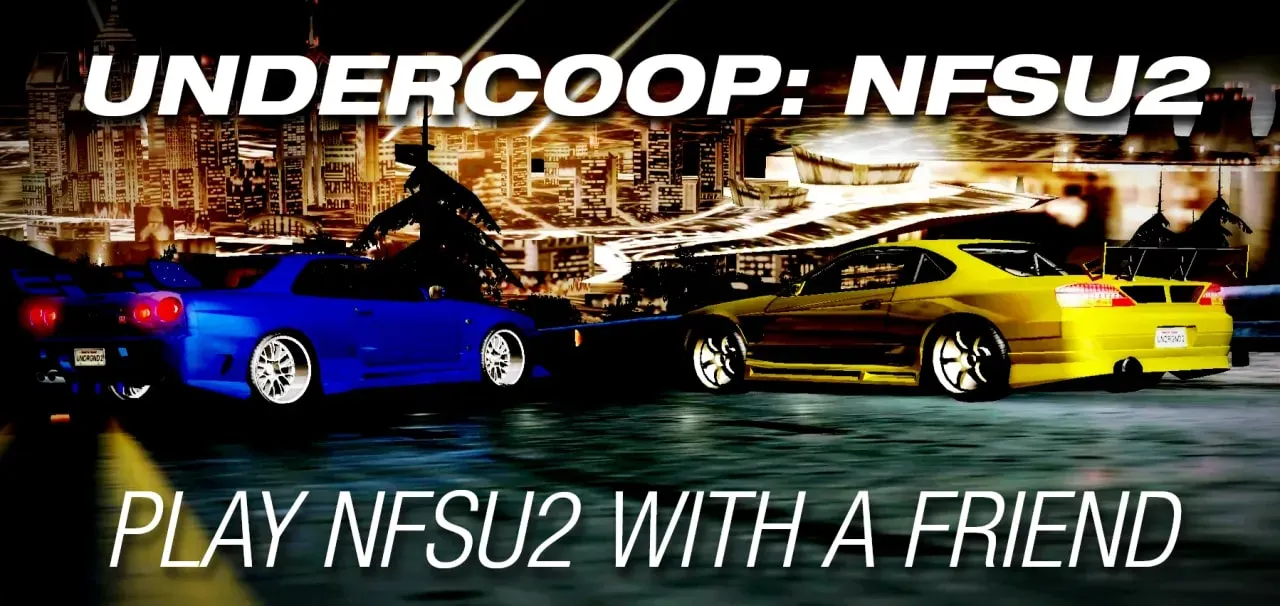
Undercoop: NFSU2 — a co-op mod by batuhan that adds two-player co-op to NFS: Underground 2. Players drive through Bayview together: a shared career with sponsors, unlocks and Special Events, free roam with traffic and AI rivals, as well as Circuit, Sprint, Drag, Drift, Street X and URL races.
What's inside
- Shared career: progress, sponsors and special events are played through together.
- Free roam: you can just cruise around the city with a partner.
- Your own garage: each player keeps their own cars, money and tuning.
- Shared cutscenes: the story is watched together, skipping is done by vote.
- Communication: partner markers, green icons on the map, chat, ping and activity indicators.
- Backups: automatic restore points for the co-op career.
- Launcher and mod manager: import archives and folders, enable and disable packages, separate modpacks, import saves.
The mod is in open beta: bugs and mod conflicts are possible. Connection is direct over LAN or via a shared virtual LAN (for example, Radmin VPN); there is no public matchmaking, dedicated servers or split-screen. Both players need the same version of Undercoop and matching mod sets. Installation requires the Windows version of the game with the v1.2 NTSC executable and a compatible ASI loader.
Author: batuhan
Source: https://nfsmods.xyz/mod/8149
How to install
- Back up the game folder and your saves.
- Extract the archive into the game's root folder — the one containing SPEED2.exe — keeping the folder structure.
- Check that the files NFSU2Coop.asi and NFSU2Coop.ini are in the game's scripts folder.
- Launch SPEED2.exe — the built-in Undercoop launcher will open.
- Open Undercoop Settings and configure the connection before starting the game.
How to play co-op
- Connect both computers to the same LAN or to a shared Radmin VPN.
- In Undercoop Settings, assign one player as host (Player 1) and the other as client (Player 2).
- Enter your partner's IPv4 address in the peer-address setting: each player enters the other's address.
- Use identical connection settings and matching ports, and allow the game through Windows Firewall.
- Select the same mods on both computers and press Play.
- In game, open the CO-OP menu: one player creates a lobby, the second joins.
- After the lobby checks, the host selects Start the Career and creates or loads a career.
Controls: Z — co-op console, Enter — send a chat message, F5/F6 — accept or decline an invitation.