Photo Mode 1.0.0
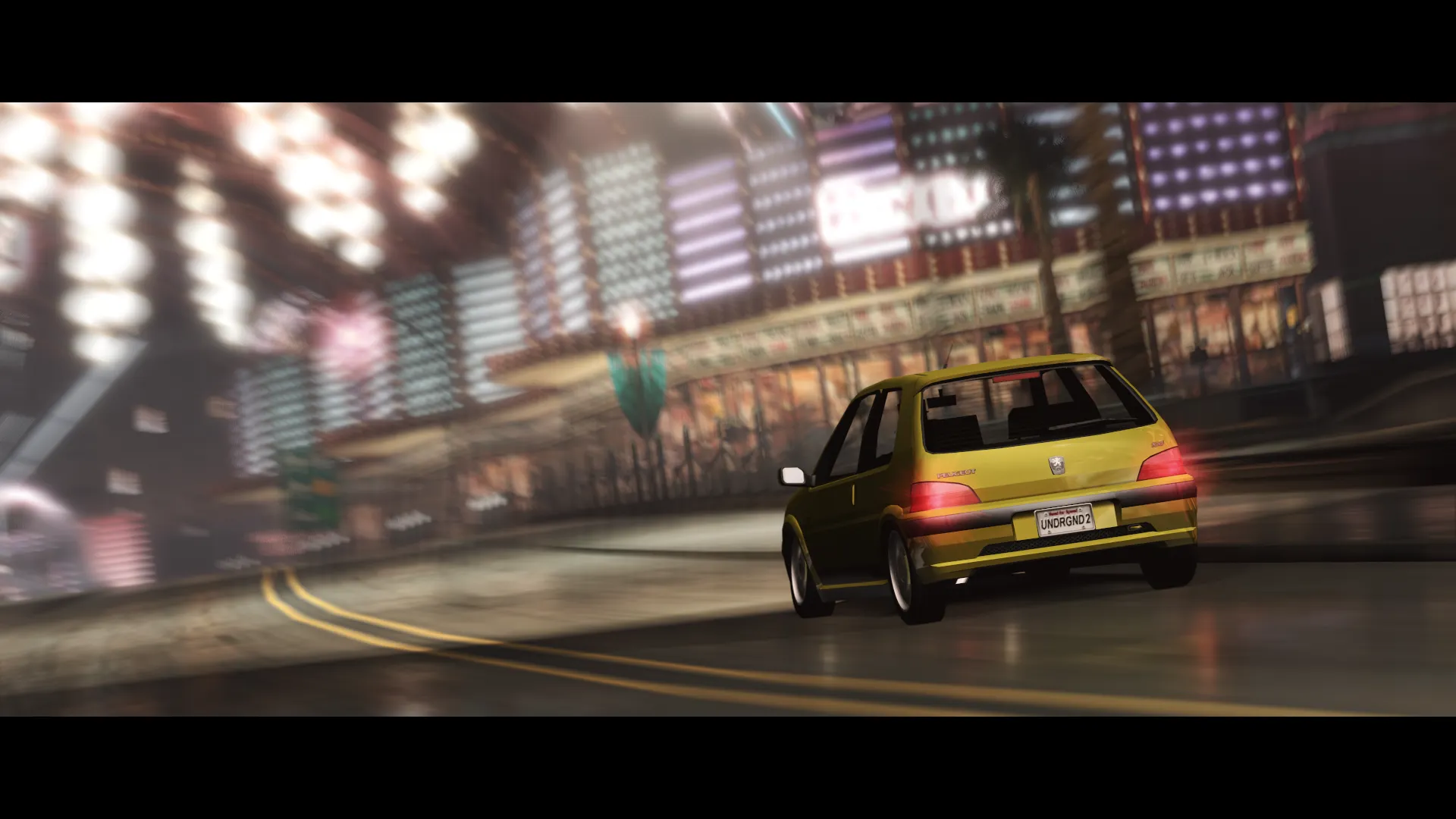
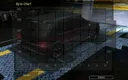
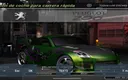
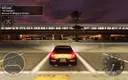
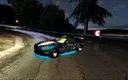
Photo Mode — an ASI plugin by leshark42 that adds a full-fledged photo mode to NFS: Underground 2: the camera is detached from the car, the shot can be composed manually and the screenshot saved.
What it can do
- Optics and effects: motion blur and depth of field.
- Resolution and frame: shooting in normal or doubled resolution (x2), different frame aspect ratios.
- Composition help: "rule of thirds" grid.
- Branding: custom watermarks on the screenshot.
- Controls: gamepad support.
The plugin is open source on GitHub, the build is distributed under the MIT license. The author separately notes the contribution of testers from the ug2.net community.
Author: leshark42
Source: https://nfsmods.xyz/mod/8120
Source code: https://github.com/le-shark/nfsu2-photomode
How to install
- Install an ASI loader for NFS: Underground 2 (for example, Ultimate ASI Loader) — without it the plugin won't be picked up.
- Unpack the mod archive.
- Copy the
scriptsfolder from the archive into the game directory wherespeed.exeis located. If thescriptsfolder is already there, put the filesNFSU2PhotoMode.asiandNFSU2PhotoMode.iniinside it. - Launch the game and call up photo mode with a hotkey. The controls and shooting parameters are described in the README inside the archive and in the
NFSU2PhotoMode.inifile.